Page 117
To program a macro:
1. In the Macro menu select a macro (A, B or C), and then press .
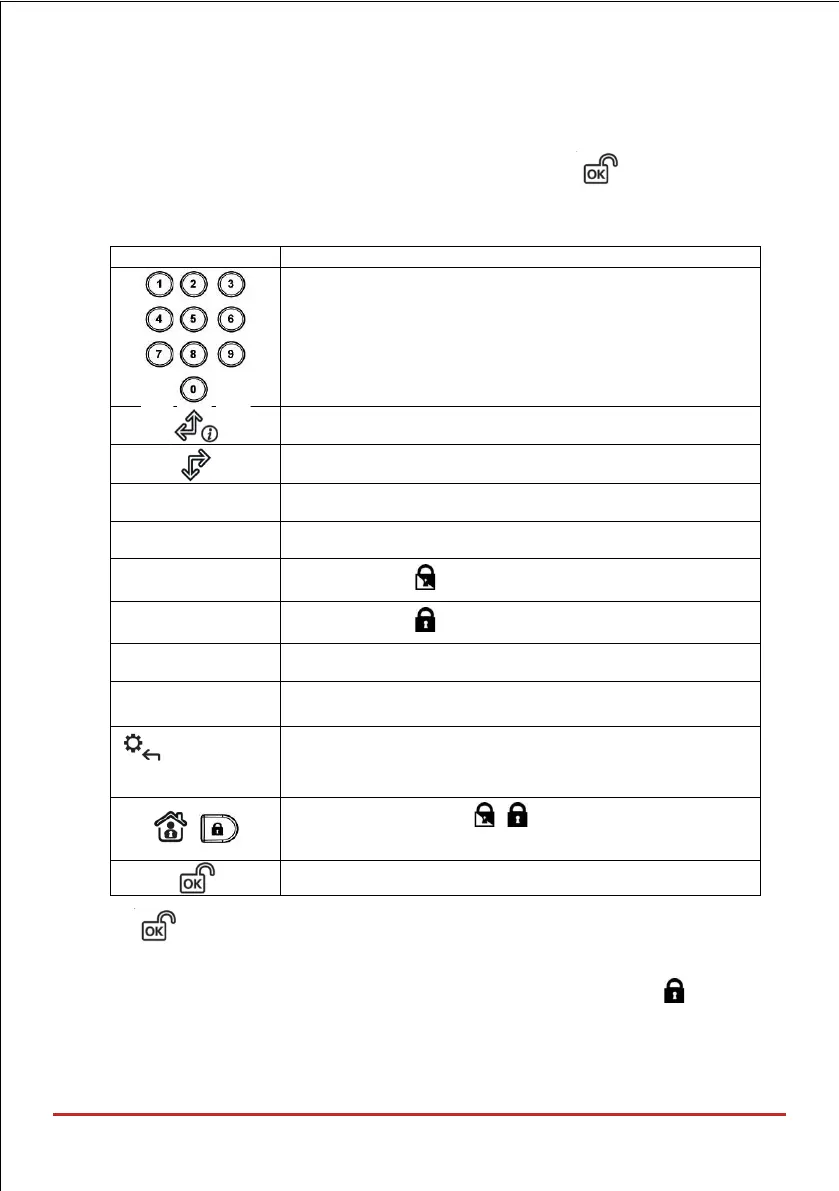
2. Enter the sequence of characters according to the following table:
Used to enter numerical characters
Used to move the curser to the left
Used to move the curser to the right
Represents the character
Represents the character
Represents the character
Represents the # character
Deletes your entry from the cursor position forward
Use to toggle between , , , , #, , and all of the
numeric characters
Used to end the sequence and save it to memory
3. Press to save your entry; the series of characters is saved and assigned to the
selected macro. For example:
To arm partition 1 with the code 1234, enter the following sequence: 1 1 2 3 4
Activating a Macro
• Press 7/8/9 on the keypad for 2 seconds to activate the macro A/B/C respectively;
the confirmation message "[Macro X] activated" will be announced.



 To Next Page