Page 30
Chapter 6: Programming the Installer Menus
The installer menus and nested entities (sub-menus, options and parameters) are
programmed by the installer using the installer keypad or the Configuration Software
(refer to the Configuration Software documentation).
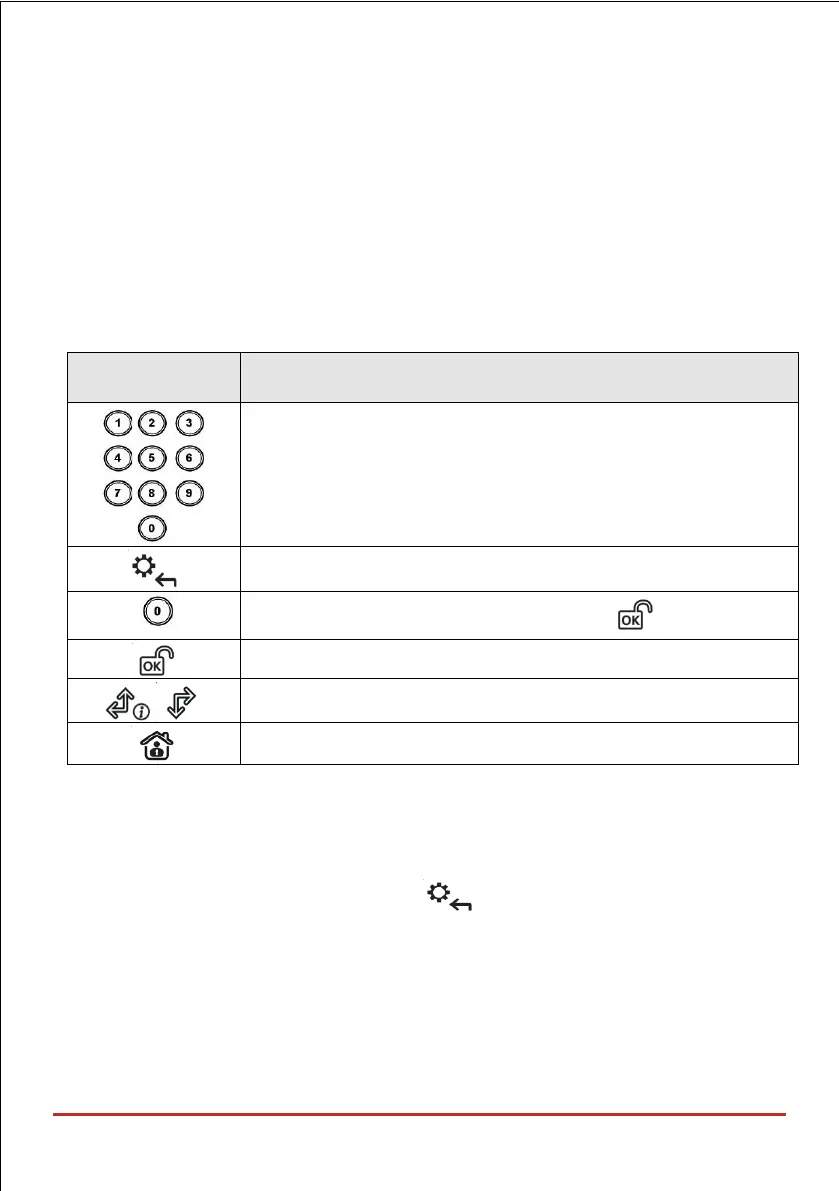
Describing Installer Keypad Buttons
The following buttons are commonly used for programming (the buttons shown are for the
2-Way Wireless Panda LCD & Proximity keypad):
Used to input the numeric codes for arming, disarming, or to
activate specific functions.
To go back one level, exit menus (like the Esc key)
To exit the programming mode (followed by to confirm)
To select / confirm / OK (like the Enter key)
To scroll between multiple options
To toggle between options (such as Y / N)
Accessing the Main Installer Menus
To access the main installer menus from the installer keypad:
1. From an allocated keypad, press if needed (to go back in a menu),
and then enter the installer code (default is 0132).



 To Next Page