Page 129
Step 2: Entering the location of the upgrade file
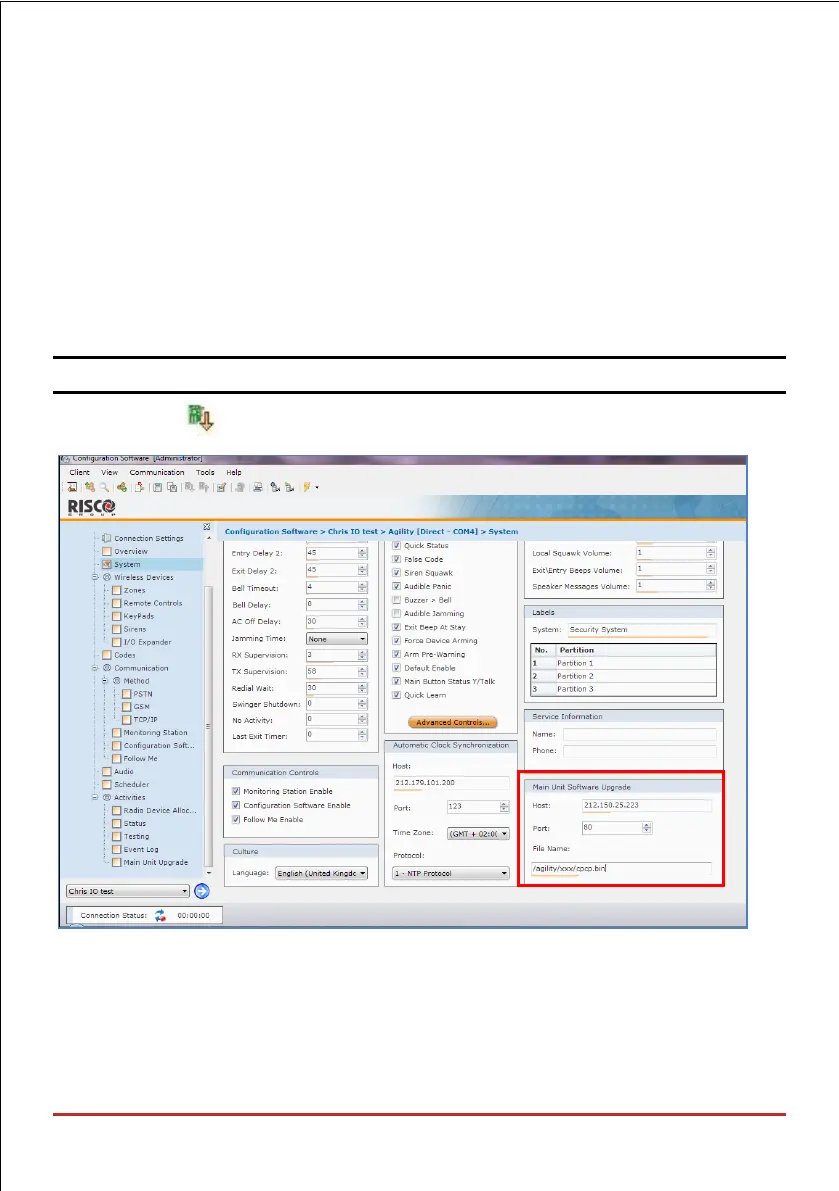
1. In the System screen, in the Main Unit Software Upgrade section, enter the relevant
information regarding the location of the upgrade file:
• Host: Enter the IP address of the router/gateway where the upgrade file is located
(default is 212.150.25.223).
• Port: Enter the port on the router/gateway where the upgrade file is located
(default is 80).
• File Name: Enter the upgrade file name. For example: /
Wirelesspanels/4DK/FAT.txt
NOTE: Please contact Customer Support services for the file name parameters.
2. Click Send .



 To Next Page