Page 17
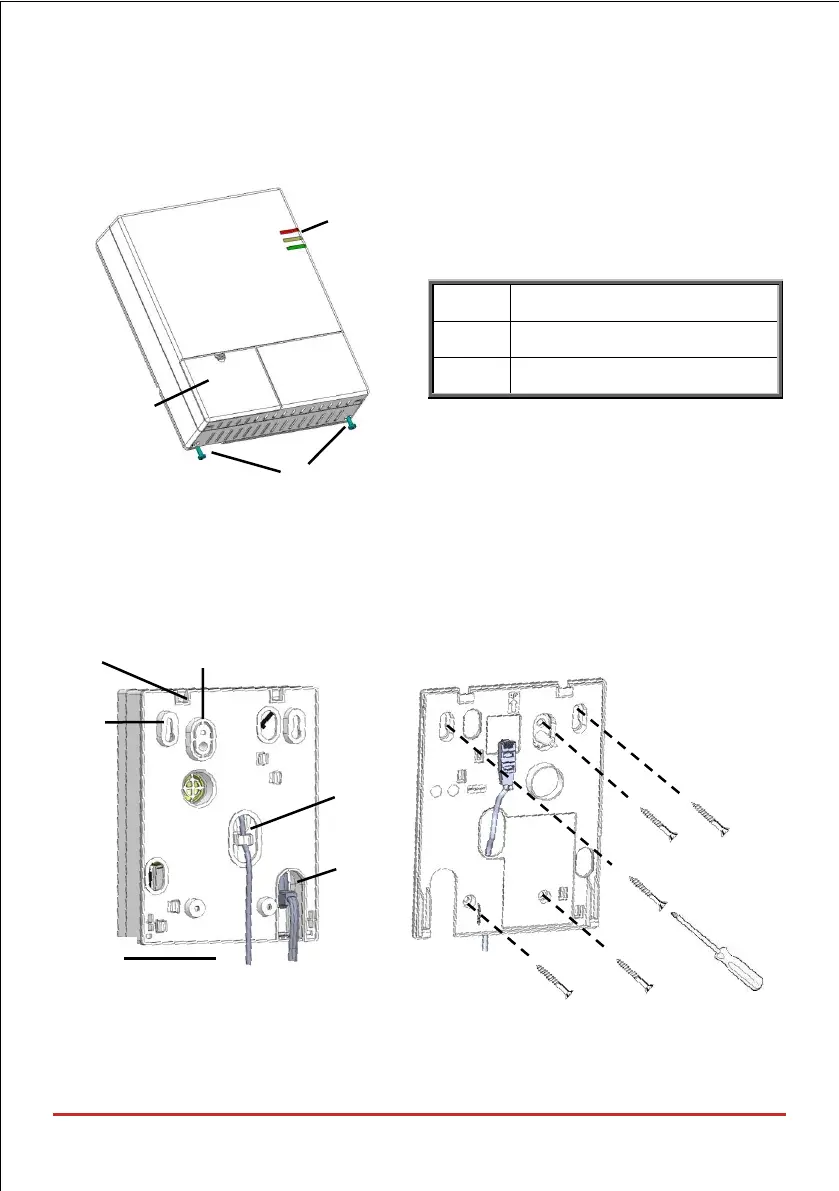
1. Disconnect the mounting bracket (back cover of main panel) by releasing the two
locking screws at the base of the unit, and then lifting the unit upward to detach
the two tabs from the respective grooves on the mounting bracket:
2. Using the mounting bracket as a template, first mark and then drill all five holes on
the wall (four mounting holes and one back tamper hole), then install the anchors.



 To Next Page