Page 20
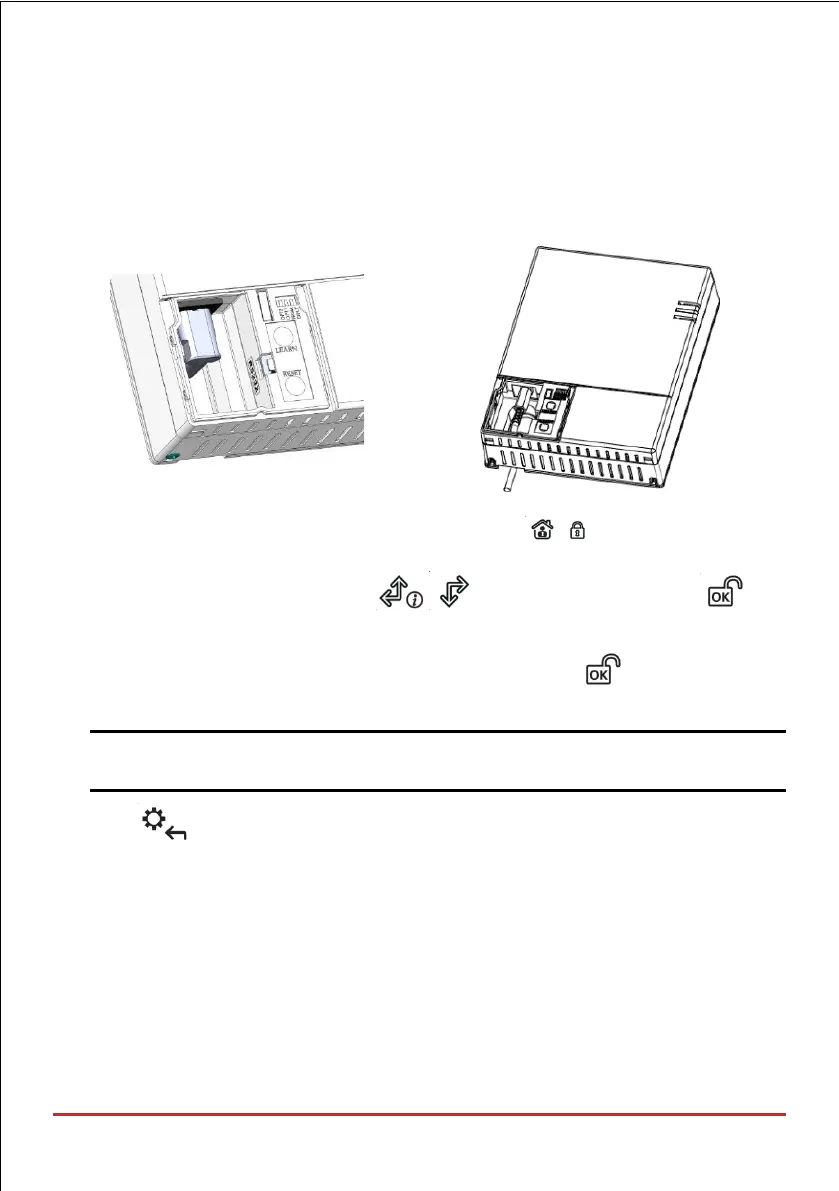
To (temporarily) allocate the installer keypad and define the system language:
1. After the main panel is connected to the power supply, short-press the LEARN button;
2. With battery installed, press the Panda/LCD keypad’s buttons
simultaneously during the status announcement until the following message appears:
Select Language: Using the arrows scroll the options and press for
the selected language.
3. Enter the Grand Master code (default is 1234) and then press ; you are now in the
User Menu.
NOTE: When a wrong Grand Master code is entered, the keypad will not be allocated.
To continue this procedure, start the keypad allocation procedure again.
4. Press twice to exit the User Menu, and enter the system again using the installer
code (default is 0132).
5. Now that you have temporarily allocated this “installer” LCD Keypad to the system,
you can now allocate other system devices and perform system programming.



 To Next Page