(9)
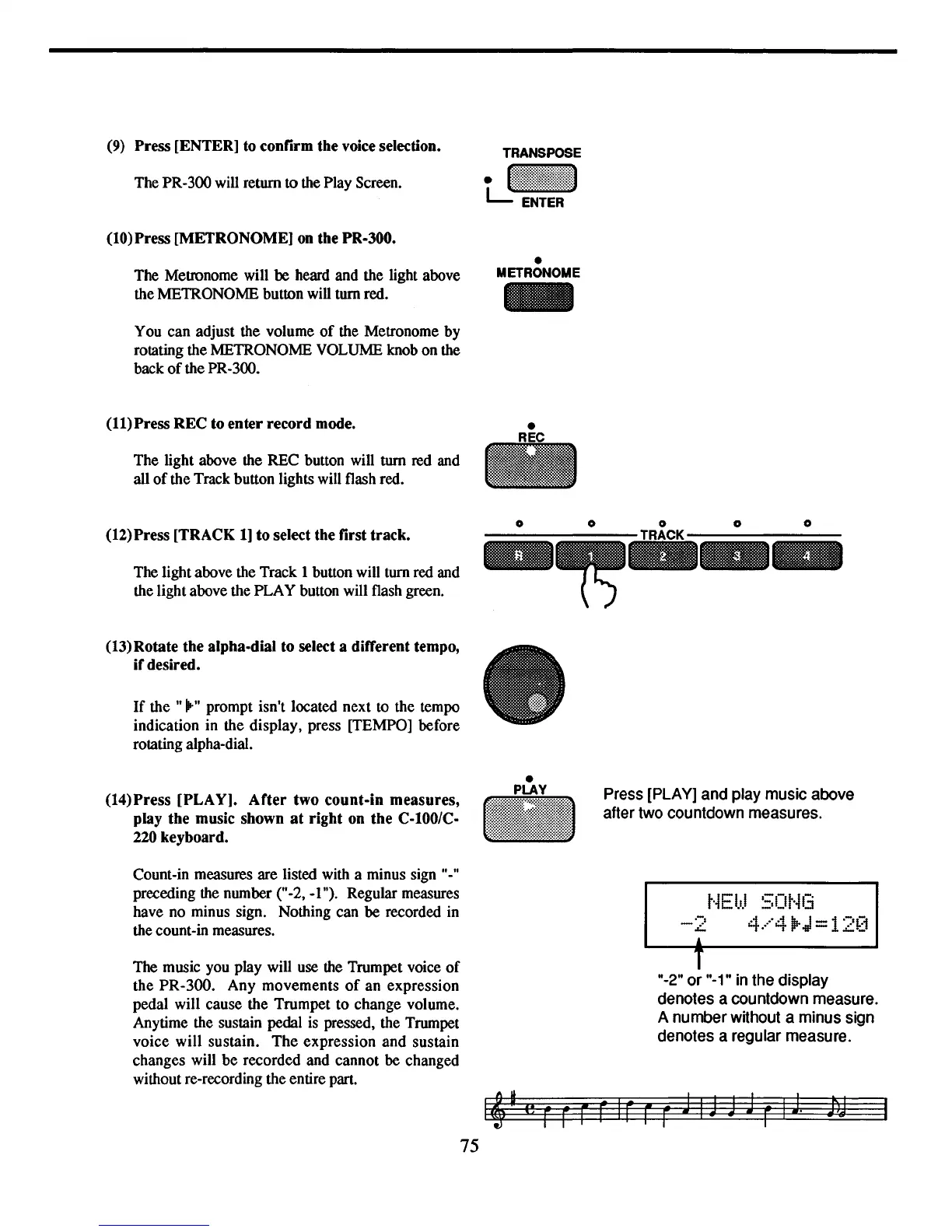
Press [ENTER] to confirm the
voice
selection.
The PR-300 will return to the Play Screen.
(10)
Press [METRONOME]
on
the PR-300.
The Metronome will be heard and the light above
the METRONOME button will turn red.
You can adjust the volume
of
the Metronome by
rotating the METRONOME VOLUME knob on the
back
of
the PR-300.
(11)
Press REC to enter record mode.
The light above the REC button will
turn
red and
all
of
the Track button lights will flash red.
(12)
Press [TRACK
1]
to select the first track.
The light above the Track 1 button will tum red and
the light above the PLAY button will flash green.
(13)
Rotate the alpha-dial to select a different tempo,
ifdesired.
If
the
"iI'-"
prompt isn't located next to the tempo
indication in the display, press [TEMPO] before
rotating alpha-dial.
•
METRONOME
•
(14)
Press [PLAY]. After two count-in measures,
play the music shown
at
right on the C-I00/C-
220
keyboard.
•
III
Press
[PLAY]
and
play
music
above
after
two
countdown
measures.
Count-in measures are listed with a minus sign
It_It
preceding the number
("_2,
_I"). Regular measures
have no minus sign. Nothing can
be
recorded in
the count-in measures.
.-,
-L-
A
t·iEI.t.l
SOt·il3
4.···"4
jP-J
=12[1
I"
B
75
The music you play will use the Trumpet voice
of
the PR-300. Any movements
of
an expression
pedal will cause the Trumpet to change volume.
Anytime the sustain pedal is pressed, the Trumpet
voice will sustain.
The
expression
and
sustain
changes will
be
recorded and cannot be changed
without re-recording the entire part.
T
"_2"
or
"_1"
in
the
display
denotes acountdown
measure.
A number without a minus
sign
denotes a regular
measure.



 To Next Page