IIT-2000/2010/5000/5010 Instruction Manual/English
05/08/2015 Version No. 001 101
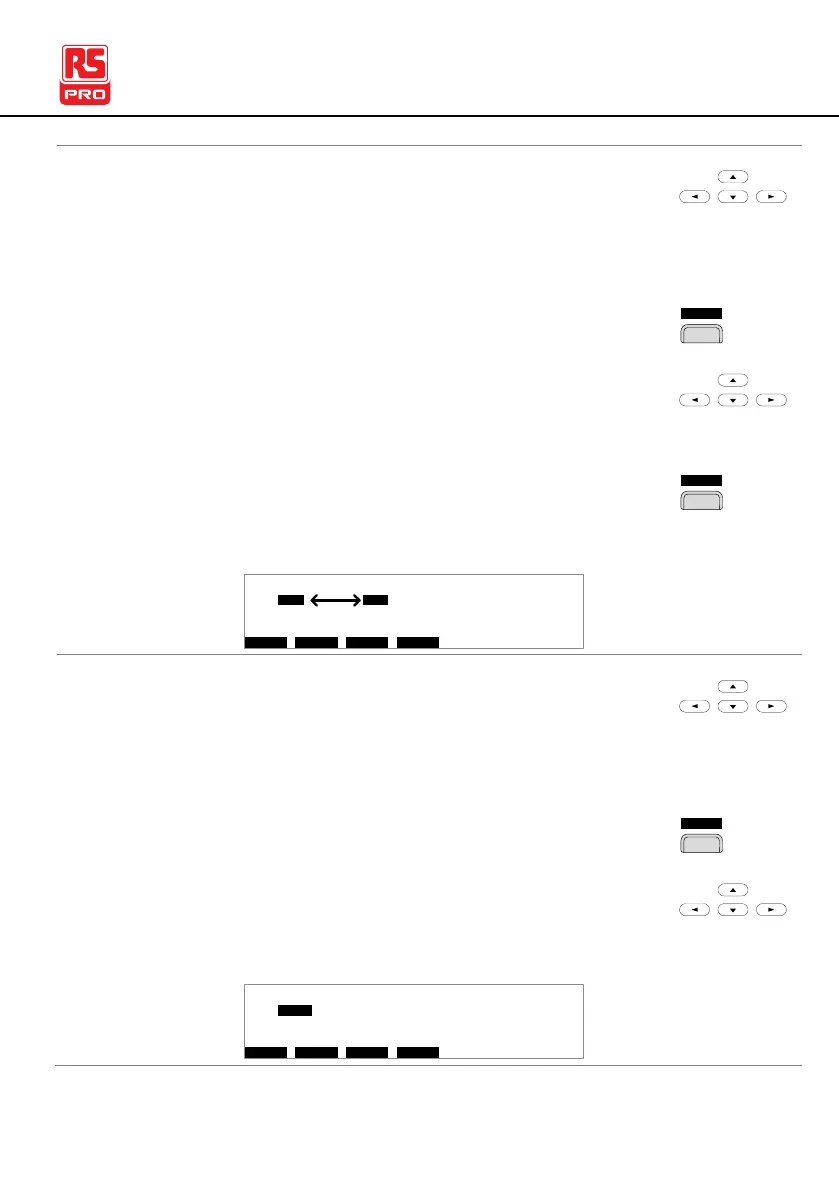
1. Use the UP/DOWN and LEFT/RIGHT arrow
keys to move the cursor to the test step you
wish to swap.
2. Press the SWAP soft-key.
3. Use the UP/DOWN and LEFT/RIGHT arrow
keys to move the cursor to the second step.
4. Press the SWAP soft-key again. The tests will
be swapped with each other.
A CW = 0 . 0 0 k1 1 . 0 0 m AH I ES = 0T_V
O V EM W A PS K I PS D E L
E MA U OT N A_ 0A U T O = 0 0 1 - 0 1
M A N U _ N M E A
# 0 1 : 0 1 0 # 0 2 : 0 0 1 # 0 3 : 0 0 3 # 0 4 : 0 0 4
# 0 5 : 0 0 7 # 0 6 : 0 0 3 # 0 7 : 0 3 8 # 0 8 : 0 0 5
# 0 9 : # 1 0 : # 1 1 : # 1 2 :
# 1 3 : # 1 4 : # 1 5 : # 1 6 :
1. Use the UP/DOWN and LEFT/RIGHT arrow
keys to move the cursor to the test step you
wish to skip.
2. Press the SKIP soft-key.
3. The step will have an asterisk beside the MANU
number.
A CW = 0 . 0 0 k1 1 . 0 0 m AH I ES = 0T_V
O V EM W A PS K I PS D E L
E MA U OT N A_ 0A U T O = 0 0 1 - 0 1
M A N U _ N M E A
# 0 1 : 0 1 0 # 0 2 : 0 0 1 # 0 3 : 0 0 3 # 0 4 : 0 0 4
# 0 5 : 0 0 7 # 0 6 : 0 0 3 # 0 7 : 0 3 8 # 0 8 : 0 0 5
# 0 9 : # 1 0 : # 1 1 : # 1 2 :
# 1 3 : # 1 4 : # 1 5 : # 1 6 :
*



 To Next Page