IIT-2000/2010/5000/5010 Instruction Manual/English
05/08/2015 Version No. 001 47
Setting the Test Voltage or Test Current
The test voltage can be set from 0.050kV to 5kV for ACW,
0.050kV to 6kV for DCW and 0.050 to 1kV for IR (50V steps*).
For GB tests the test current can be set from 3A to 30A (IIT-
2010) or 3A to 32A (IIT-5010).
*IIT-5010 includes a 125V test point.
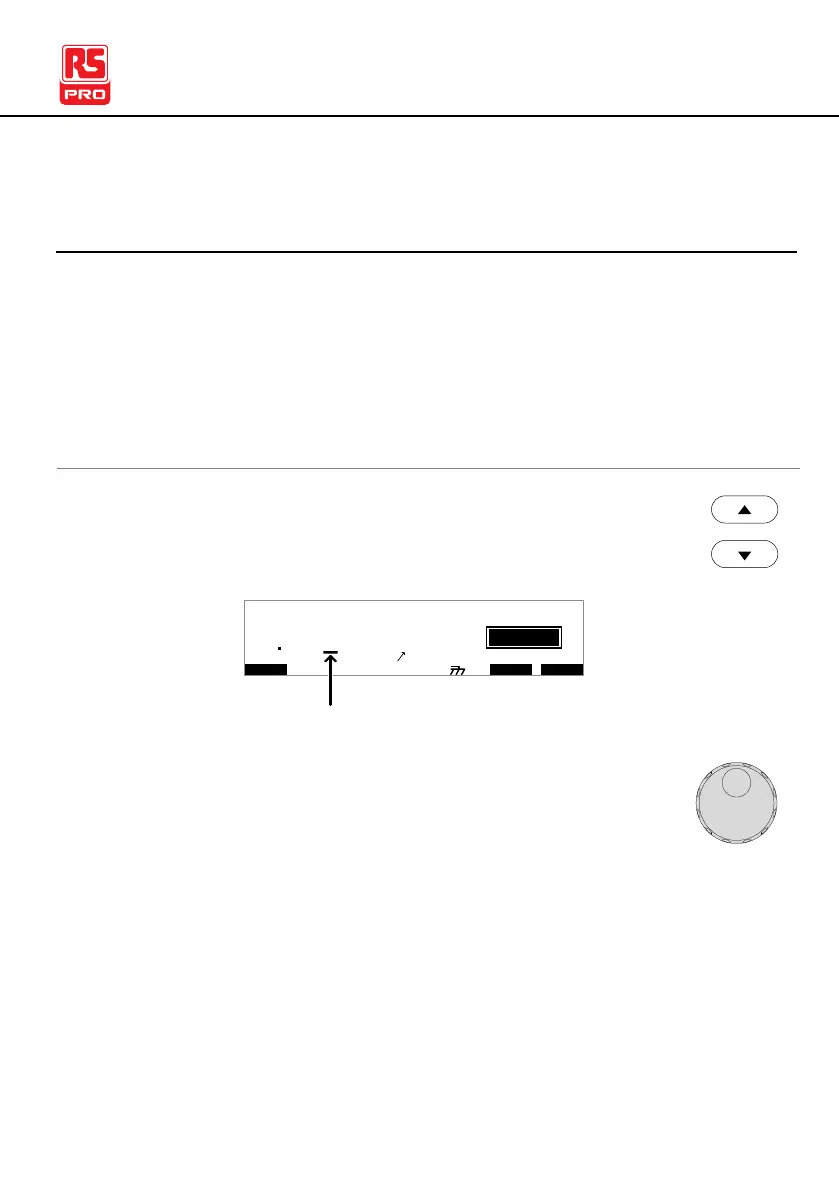
1. Press the UP / DOWN arrow keys to bring the
cursor to the voltage setting.
I R G B A CW D CW I / LH O I M ET R
E
F R E Q = 0 H z 6
0
100
k V
IDE
MT I E = 0 0 1 . 0 SR
0 0 m AER F =# 0 .0MM A UN N A_
1 . 0 0 m AIH ES = 0T
0 0 . 1 S0A M P =R
T
2M A N U = * * * - 0 0
cursor
m A
2. Use the scroll wheel to set the voltage level.
0.100kV ~ 5kV
0.100kV ~ 6kV
0.05kV ~ 1kV (50V steps)
1
3.00A ~ 33.00A (IIT-2010)
3.00A~ 33.00A (IIT-5010)



 To Next Page