IIT-2000/2010/5000/5010 Instruction Manual/English
124 05/08/2015 Version No. 001
Even if the IIT-2000/2010/5000/5010 is configured to use the
REMOTE CONNECT option, the STOP button on the front
panel can still be used to stop a test.
4. To return the operation control to the front panel,
configure the Start Ctrl option to FRONT PANEL.
SIGNAL I/O Overview
The SIGNAL I/O port can be used to remotely start/stop tests
and monitor the test status of the instrument. The SIGNAL I/O
port is also used for the interlock function (page 117).
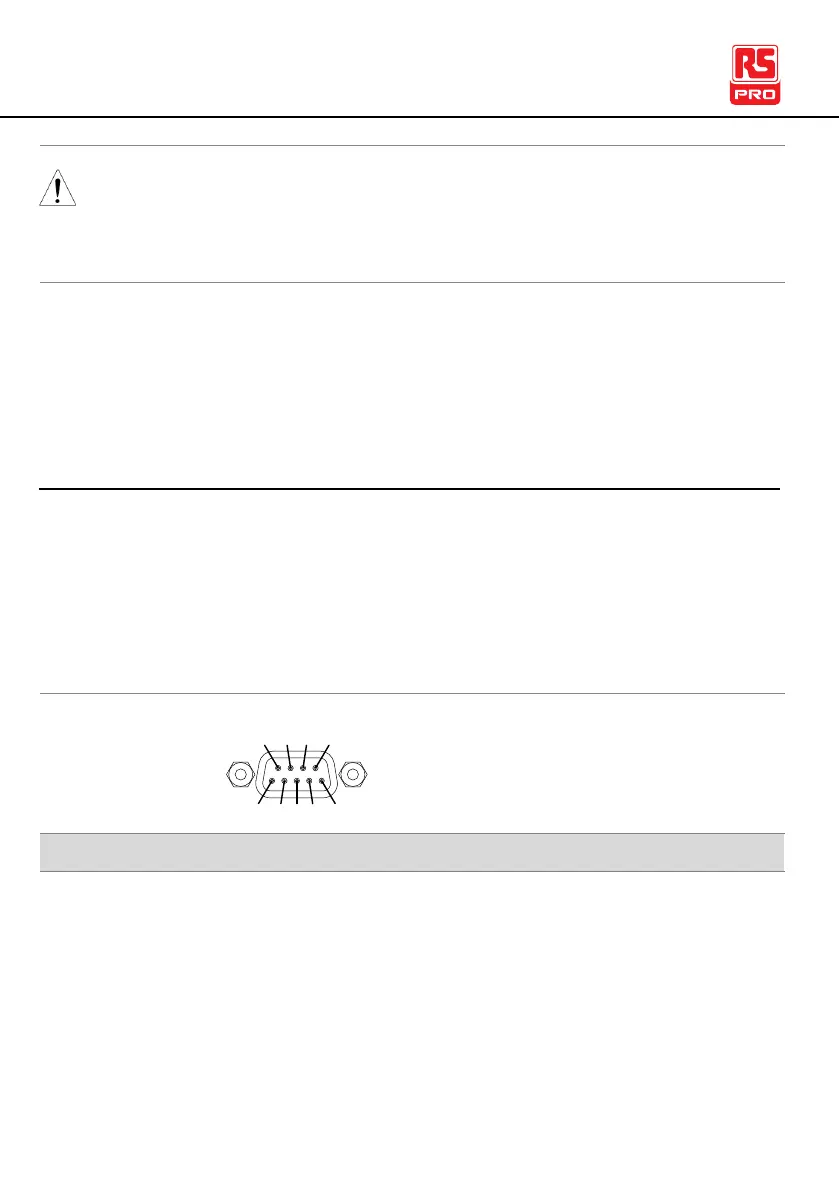
The SIGNAL I/O port uses a DB-9 pin female connector.
When INTERLOCK is ON, a test is only allowed to start
when both INTERLOCK pins are shorted.
Indicates that a test is in progress



 To Next Page