IIT-2000/2010/5000/5010 Instruction Manual/English
05/08/2015 Version No. 001 45
I R G B A CW D C W
E
F R E Q = 0 H z 6
0
100
k V
EIV
MT I E = 0 0 1 . 0 SR
0 0 m AER F =# 0 .0MM A UN N A_
1 . 0 0 m AIH ES = 0T
0 0 . 1 S0A M P =R
W
2M A N U = * * * - 0 0
MANU number
m A
The MANU number can only be chosen in VIEW status. If in
the EDIT status, switch to the VIEW status by pressing the
EDIT/SAVE or ESC key.
Edit Manual Test Settings
To edit any of the manual test settings, the tester must be in
EDIT status.
Any settings or parameters that are edited only apply to the
currently selected MANU number.
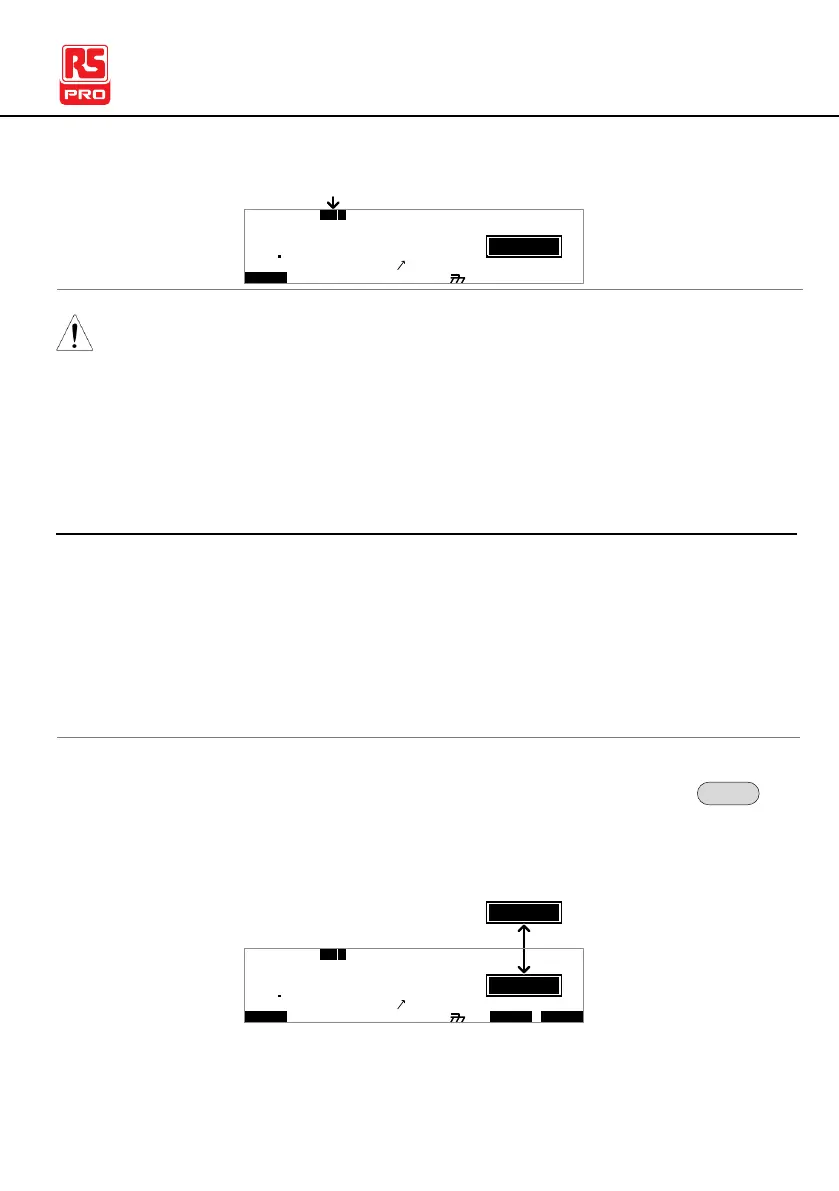
1. Press the EDIT/SAVE key when in VIEW status to
enter the EDIT status. This will enter the EDIT
status for the chosen test number.
I R G B A CW D CW I / LH O I M ET R
E
F R E Q = 0 H z 6
0
100
k V
IDE
MT I E = 0 0 1 . 0 SR
0 0 m AER F =# 0 .0MM A UN N A_
1 . 0 0 m AIH ES = 0T
0 0 . 1 S0A M P =R
T
2M A N U = * * * - 0 0
EIV
W
m A
2. The Status changes from VIEW to EDIT.



 To Next Page