IIT-2000/2010/5000/5010 Instruction Manual/English
05/08/2015 Version No. 001 71
Saving and Exiting EDIT Status
After all test parameters have been set, the test can be saved.
After a test is saved it can be used when creating an AUTO
test.
The special MANU number, 000, can be saved, however it
cannot be used for AUTO tests. See page 83 for details.
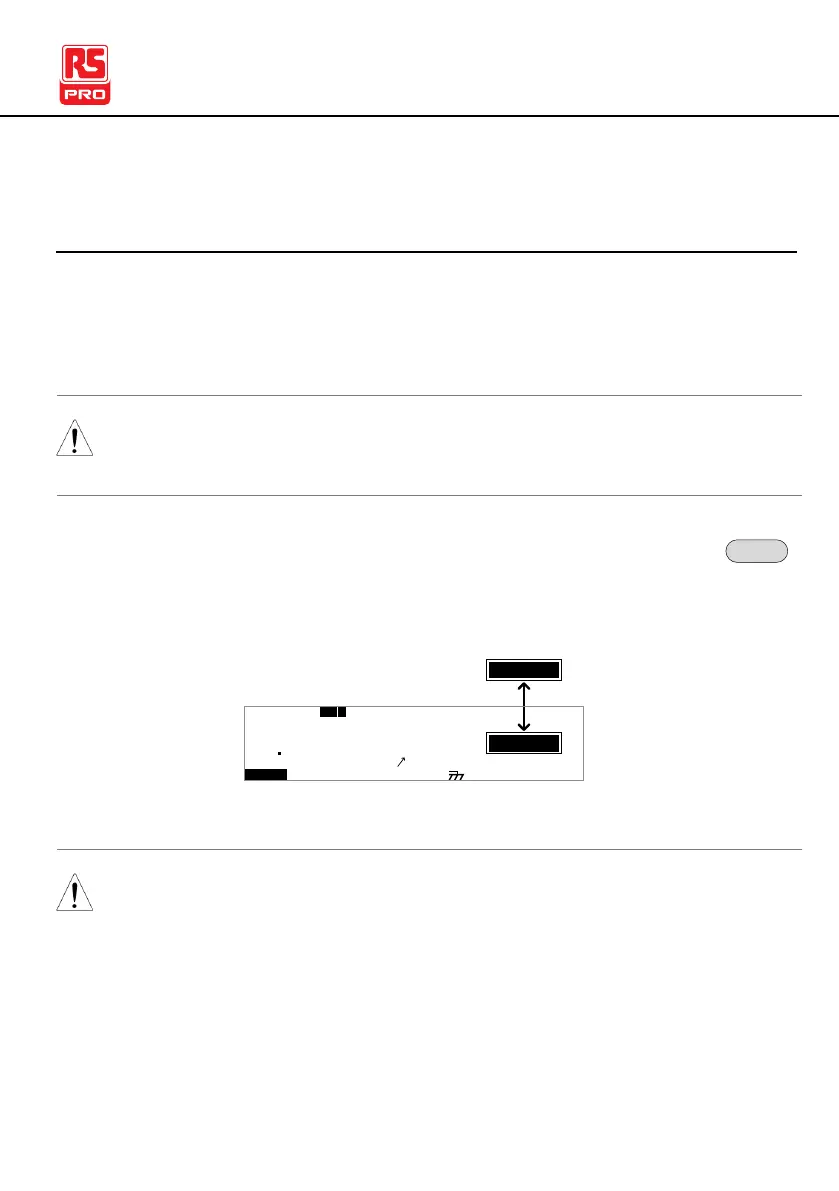
1. When in EDIT status, press the EDIT/SAVE key to
save the current test. This will enter the VIEW status
for the chosen test number.
I R G B A C W D CW
E
F R E Q = 0 H z 6
0
100
k V
EIV
MT I E = 0 0 1 . 0 SR
0 0 m AER F =# 0 .0MM A UN N A_
1 . 0 0 m AIH ES = 0T
0 0 . 1 S0A M P =R
W
2M A N U = * * * - 0 0
IDE
T
m A
2. The Status changes from EDIT to VIEW.
Pressing the EDIT/SAVE key again will return the tester back
to EDIT status for the current test.



 To Next Page