IIT-2000/2010/5000/5010 Instruction Manual/English
24 05/08/2015 Version No. 001
Set Up
Line Voltage Connection and Power Up
Before powering up the IIT-2000/2010/5000/5010 ensure the
correct voltage has been selected on the rear panel. The IIT-
2000/2010/5000/5010 supports line voltages of
100V/120V/220V and 230V.
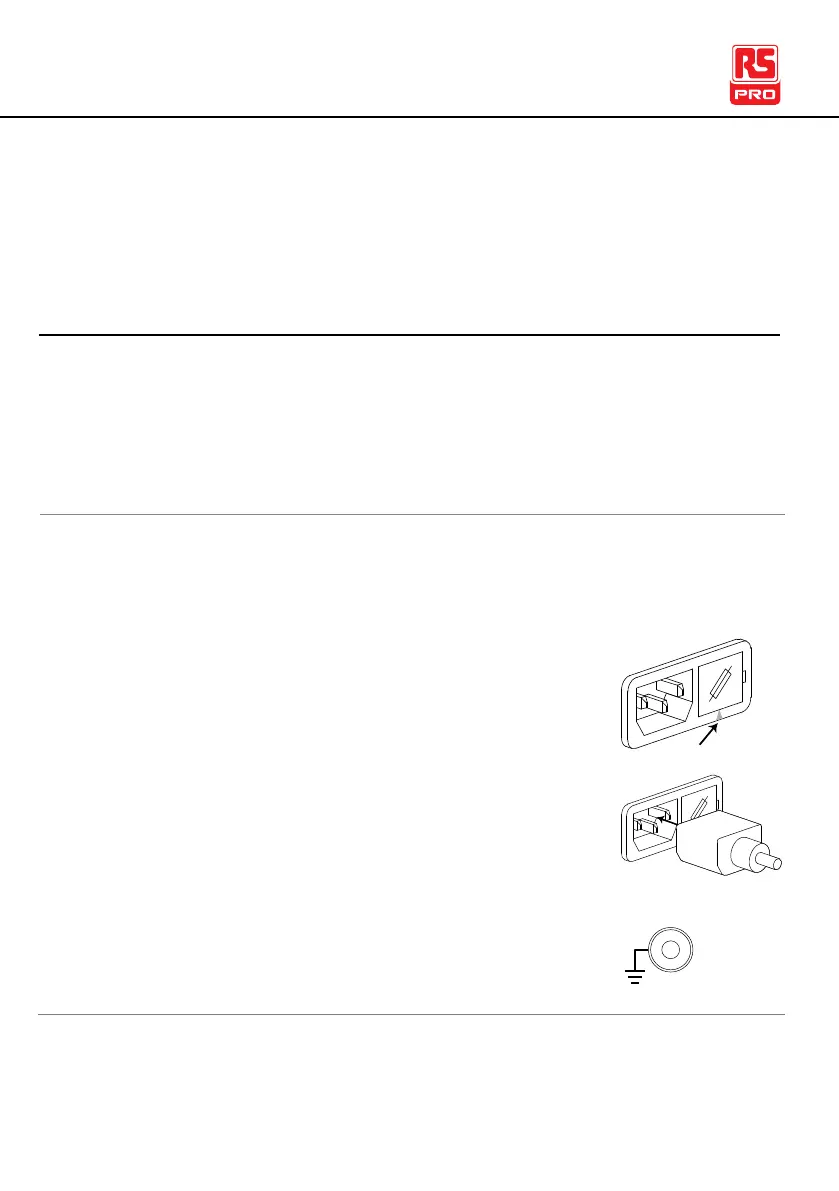
1. Check the line voltage and the fuse in the fuse
holder.
The desired line voltage should line up with
the arrow on the fuse holder.
2. Connect the power cord to the AC voltage
input.
3. If the power cord does not have an earth
ground, ensure the ground terminal is
connected to an earth ground.



 To Next Page