IIT-2000/2010/5000/5010 Instruction Manual/English
130 05/08/2015 Version No. 001
Interface Configuration
USB Remote Interface
CDC (communications device class) (VCP,
Virtual Com Port)
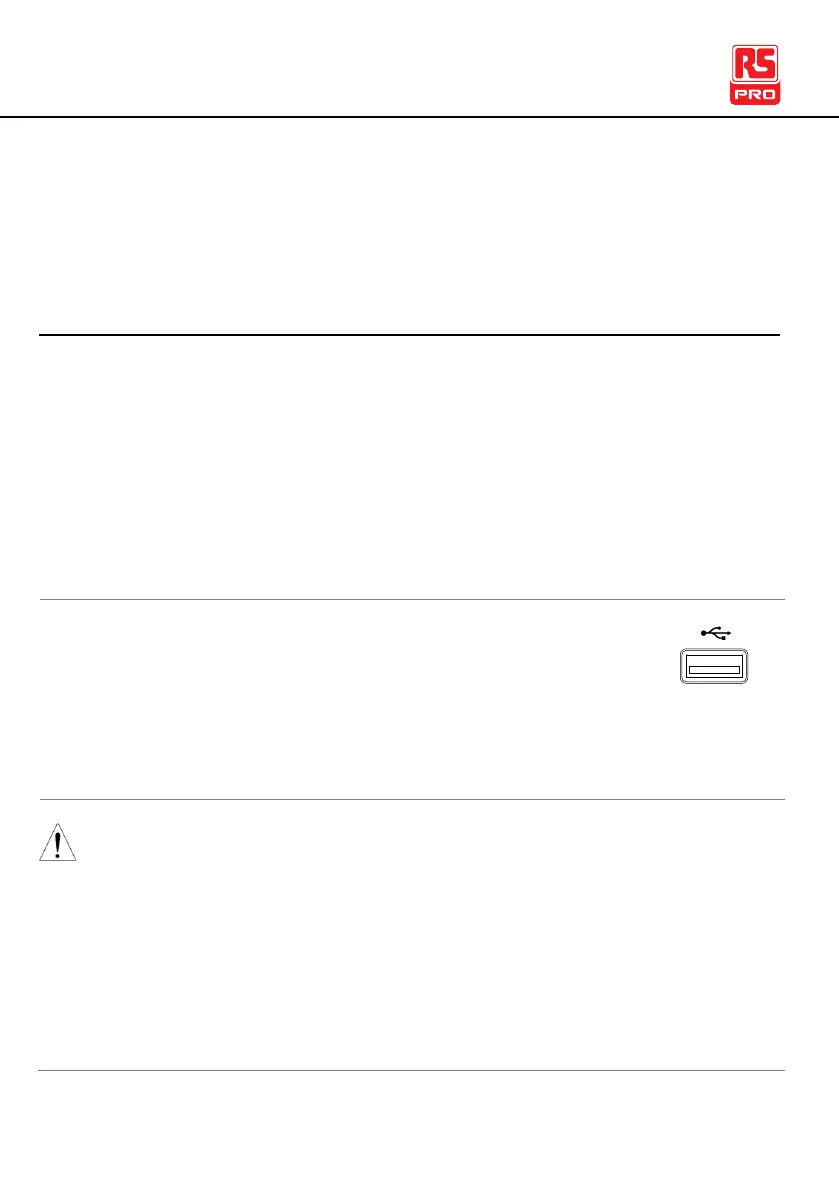
1. Connect the USB cable to the rear panel USB A
port.
2. Set the interface to USB from the Common Utility
menu.
When USB is used for remote control, an RS232 port is
simulated. Check the Windows Device Manager for the baud
rate and other RS232 settings. Check the RS232 configuration
below for more details.
Note the baud rate is fixed to 115200 baud when using the
USB interface.



 To Next Page