IIT-2000/2010/5000/5010 Instruction Manual/English
05/08/2015 Version No. 001 123
Remote Controller Operation
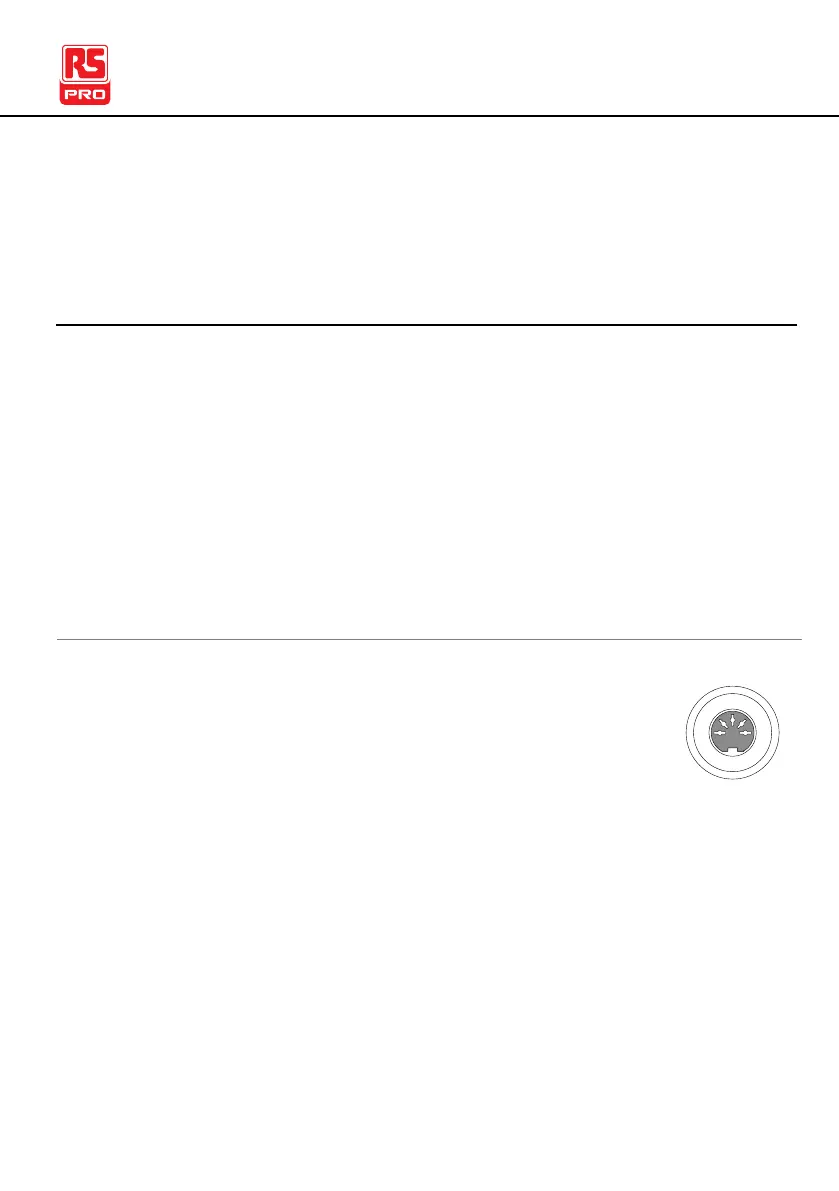
The IIT-2000/2010/5000/5010 accepts external remote
controllers with a START and STOP button. To use the
REMOTE terminal, the
IIT-2000/2010/5000/5010 must first be configured to accept a
remote controller.
Operating a remote controller is the same as operating the
START and STOP buttons on the front panel.
1. Insert the lead of remote controller into the
REMOTE terminal.
2. Configure the Start Ctrl option to REMOTE
CONNECT in the Common Utility menu.
3. The tester will now only be able to start a test
using a remote controller.



 To Next Page