IIT-2000/2010/5000/5010 Instruction Manual/English
98 05/08/2015 Version No. 001
Saving and Exiting EDIT Status
After all test steps have been added to an automatic test, the
automatic test can be saved.
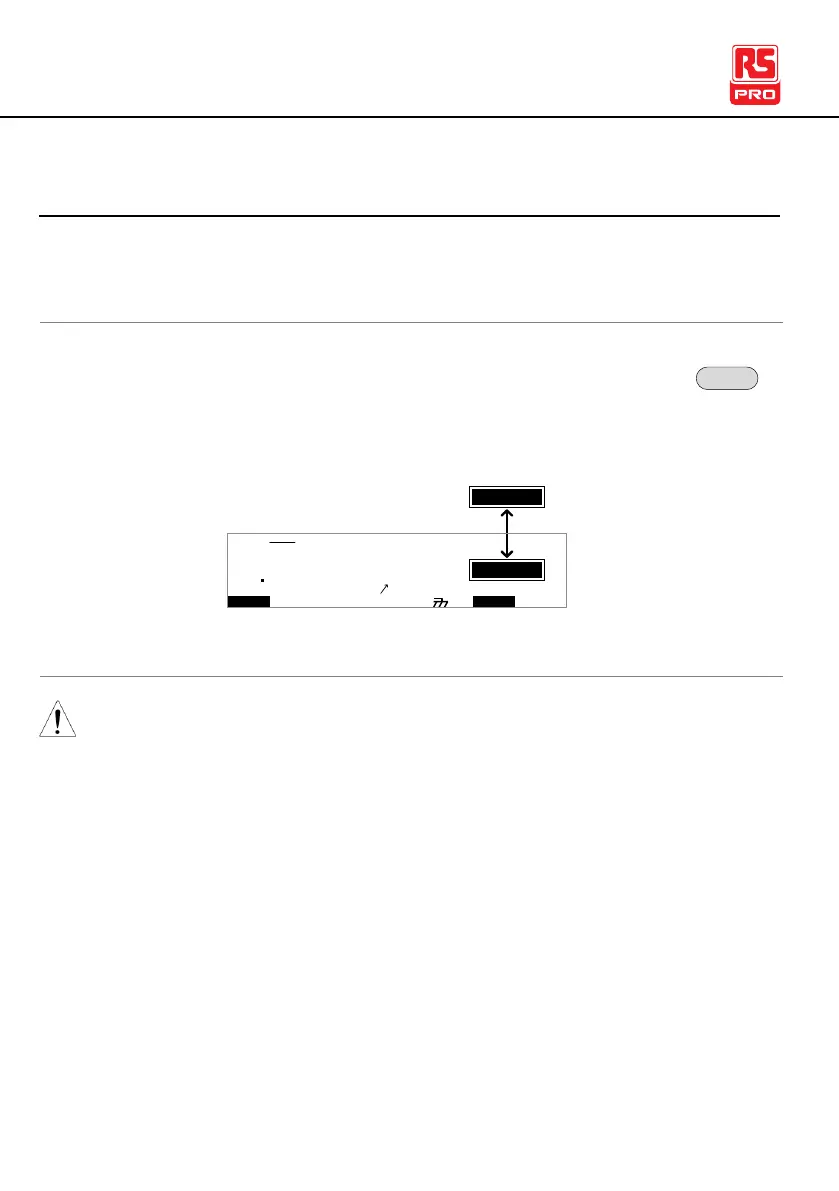
1. When in EDIT status, press the EDIT/SAVE key to
save the automatic test. After the test is saved the
tester will revert back to VIEW status.
I R G B
m A
A CW D CW A D D
E
F R E Q = 0 H z 6
0
100
k V
EIV
MT I E = 0 0 1 . 0 SR
0 0 m AER F =# 0 .0MA U OT N A_
1 . 0 0 m AIH ES = 0T
0 0 . 1 S0A M P =R
W
1A U T O = 0 0 1 - 0 0
IDE
T
2. The status changes from EDIT to VIEW.
Pressing the EDIT/SAVE key again will return the tester back
to EDIT status for the selected AUTO test.



 To Next Page