IIT-2000/2010/5000/5010 Instruction Manual/English
96 05/08/2015 Version No. 001
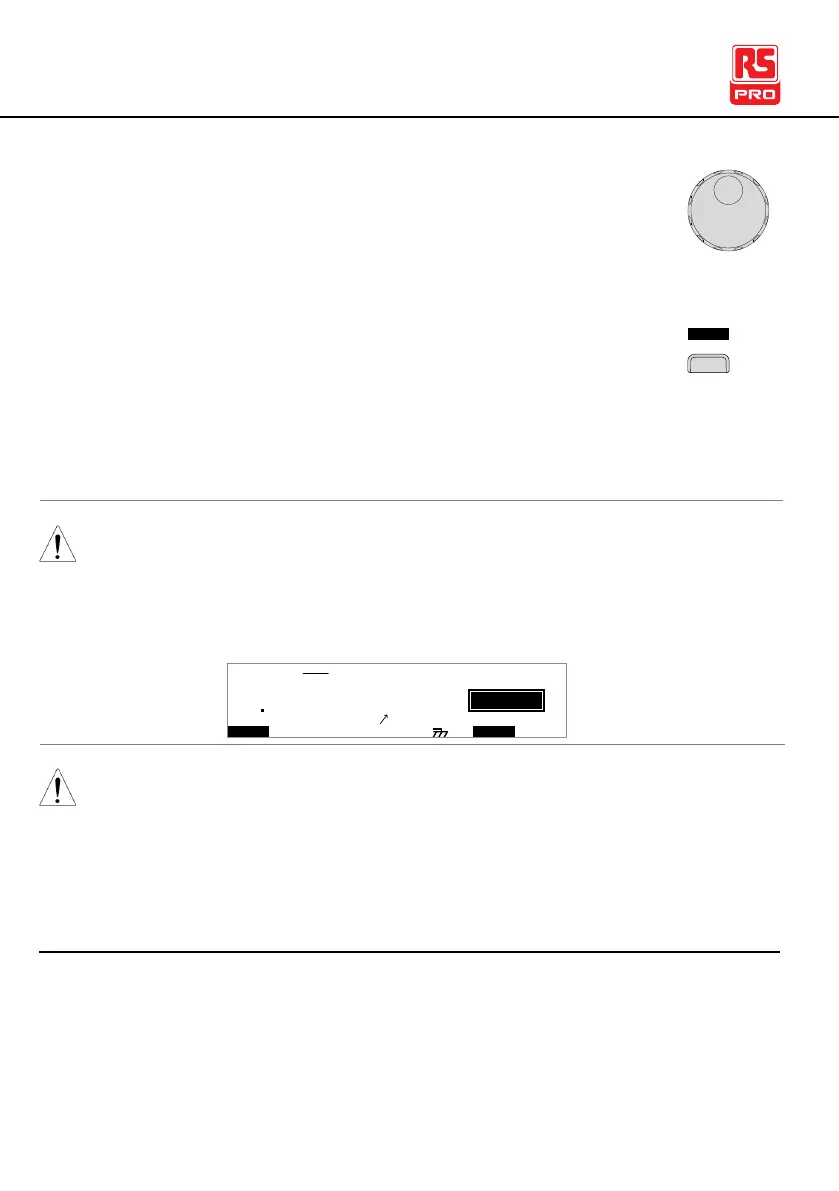
2. Use the scroll wheel to choose a MANU number to
add to the automatic test.
3. Press the ADD soft-key to add the selected manual
test to the automatic test as another step.
4. Repeat steps 2 and 3 for any other tests that you wish to add
to the automatic test.
After 16 steps have been added to an AUTO test, FULL will be
shown on the display when you attempt to add another step to
the AUTO test.
I R G B
m A
A CW D C W A D D
E
F R E Q = 0 H z 6
0
100
k V
LUF
MT I E = 0 0 1 . 0 SR
0 0 m AER F =# 0 .0MM A UN N A_
1 . 0 0 m AIH ES = 0T
0 0 . 1 S0A M P =R
L
1A U T O = 0 0 1 - 0 0
The test order can be edited in the Page View menu after the
AUTO test is saved. See page 99 for details.
Creating an AUTO Test File Name
Each automatic test can have a user-defined test file name
(Default: AUTO_NAME) up to 10 characters long. See the
character list below for the allowed characters.



 To Next Page