IIT-2000/2010/5000/5010 Instruction Manual/English
128 05/08/2015 Version No. 001
Using the Interlock Key
When the INTERLOCK function is set to ON, tests are only
allowed to start when both Interlock pins on the signal I/O port
are shorted. Using the Interlock key will short the
INTERLOCK1 and INTERLOCK2 pins on the signal I/O port.
See page 124 for the Signal I/O pin assignment.
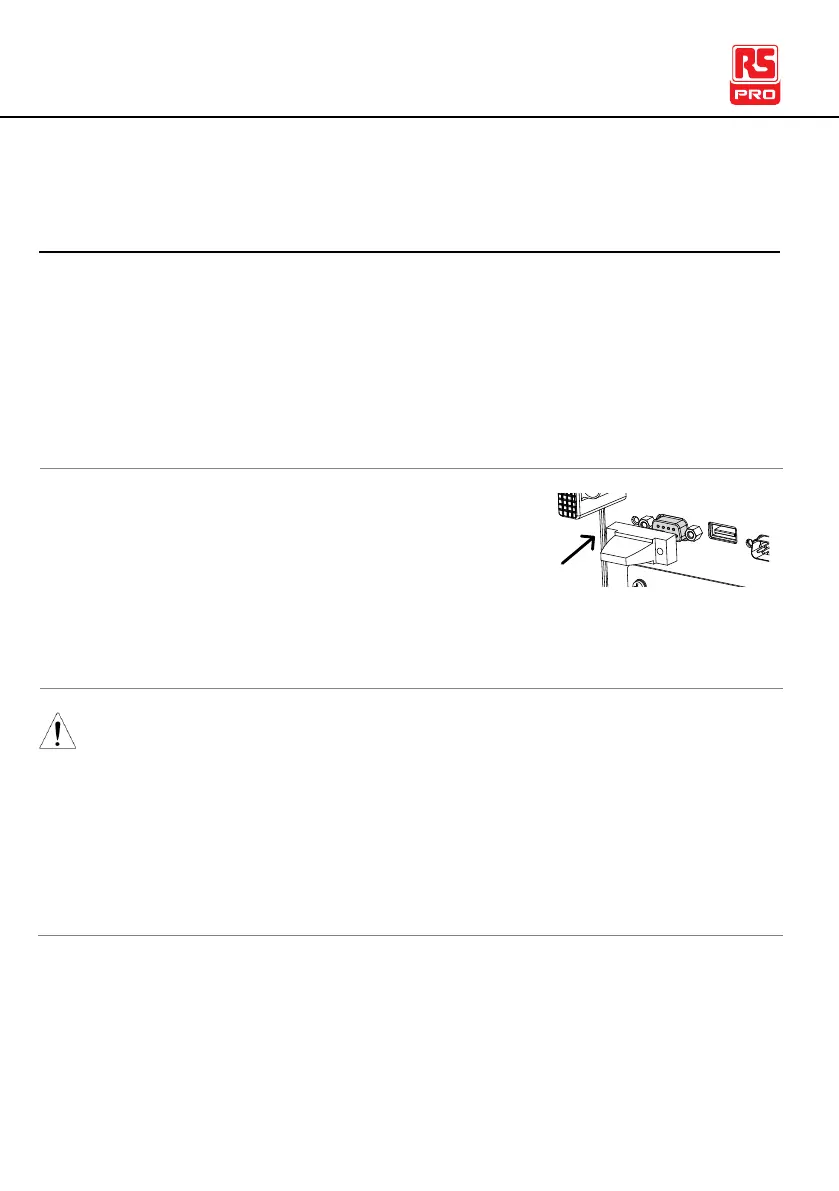
1. Insert the Interlock key into the
SIGNAL I/O port on the rear panel.
2. Set the INTERLOCK option to ON in the Common
Utility.
With INTERLOCK set to ON, the tester can now only start a
test when the Interlock key is connected. Do not remove the
interlock after starting a test. It must be connected after a test
has started or is running.
Set INTERLOCK to OFF to disable this feature.



 To Next Page