IIT-2000/2010/5000/5010 Instruction Manual/English
44 05/08/2015 Version No. 001
Choose/Recall a Manual Test Number
ACW, DCW, IR and GB tests can only be created in the MANU
(manual) mode. MANU number 001 to 100 can be saved and
thus be loaded when editing/creating a MANU test or AUTO
test. MANU number 000 is a special mode. See page 83 for
details on the special mode.
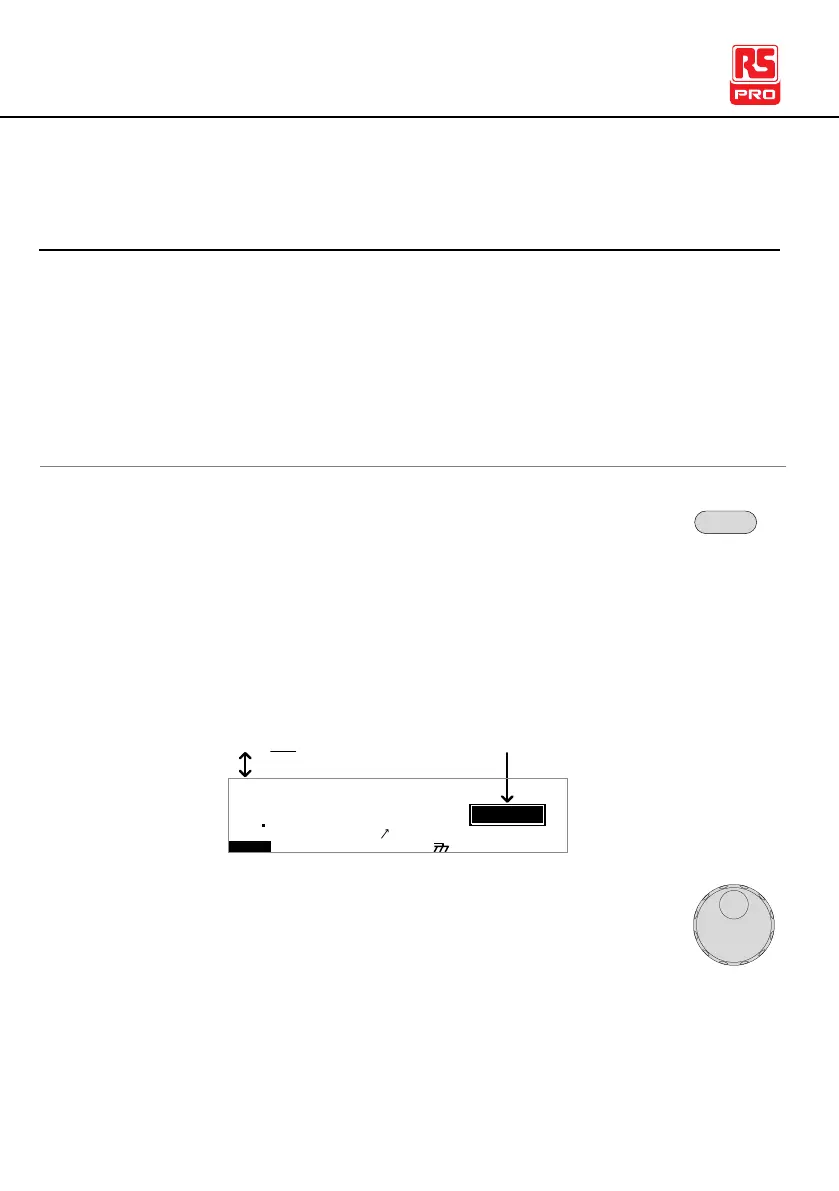
1. If the tester is in AUTO mode, press and hold the
MANU/AUTO key for three seconds to switch to
MANU mode.
The tester can only switch between AUTO and
MANU mode when in the VIEW status.
I R G B A CW D CW
E
F R E Q = 0 H z 6
0
100
k V
EIV
MT I E = 0 0 1 . 0 SR
0 0 m AER F =# 0 .0
1 . 0 0 m AIH ES = 0T
0 0 . 1 S0A M P =R
A U T O = 0 0 1 - 0 0 2
W
VIEW status
MM A UN N A_2M A N U = * * * - 0 0
MA U OT N A_
m A
E
2. Use the scroll wheel to choose the MANU number.
001~100
(MANU# 000 is a special mode)



 To Next Page