IIT-2000/2010/5000/5010 Instruction Manual/English
05/08/2015 Version No. 001 113
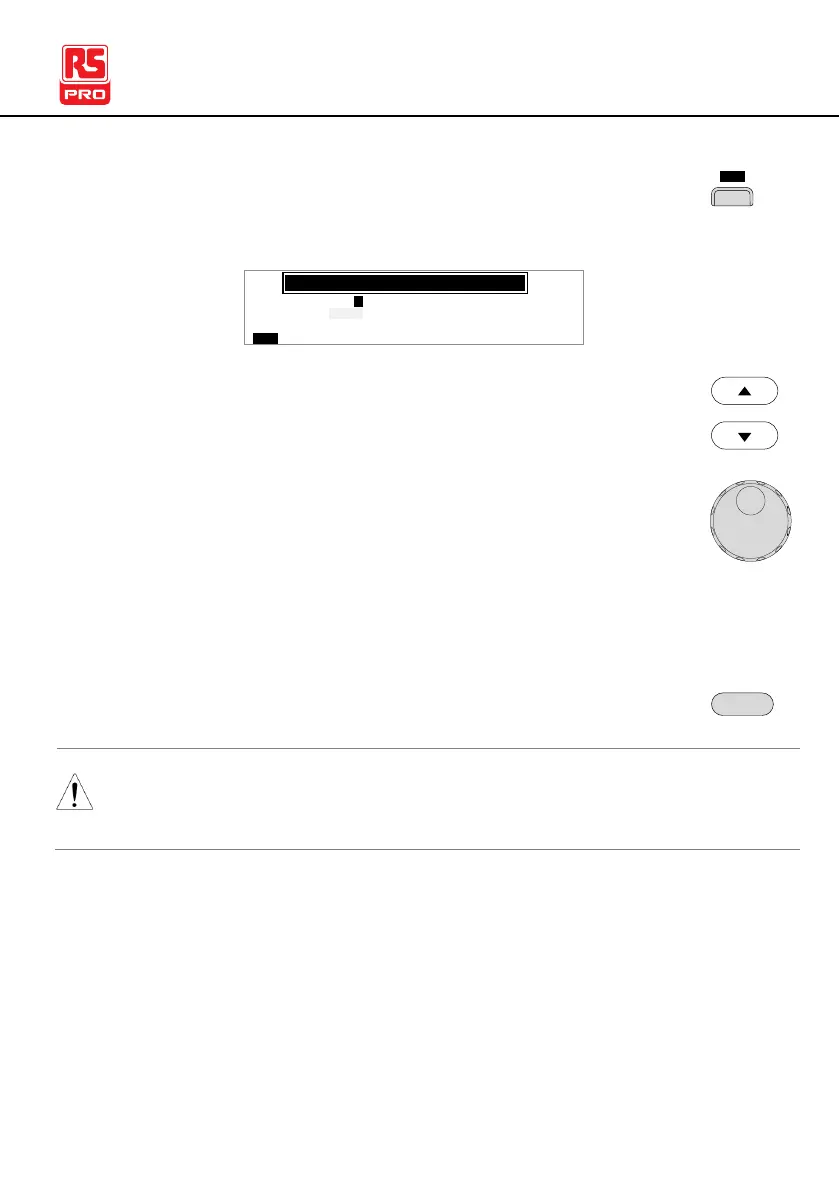
3. Press the LCD soft-key to bring up the LCD
Common Utility menu.
L C D C o t r an
L C D B r g h ti
n se
L C D B U Z Z N T EI R C T R L
s : B R I G H T
s t : 5
MOC MO
U N T I L I T Y
4. Use the UP/DOWN arrow keys to choose a menu
item: LCD Contrast, LCD Brightness.
5. Use the scroll wheel to select a parameter for the
chosen menu item.
LCD Contrast
LCD Brightness
1(low) ~ 8(high)
BRIGHT, DARK
6. Press EDIT/SAVE to save the settings and exit to
VIEW status.
The ESC key can be pressed at any time to cancel and exit
back to VIEW status.



 To Next Page