IIT-2000/2010/5000/5010 Instruction Manual/English
118 05/08/2015 Version No. 001
number, mode or testing parameters. Only the Utility menu
and any keys required for testing are not disabled.
The Interlock function is a safety feature. The interlock
function prevents a test from running, unless the interlock pins
on the signal I/O port connector are shorted. The included
interlock key can be used for this purpose. See page 127 for
details.
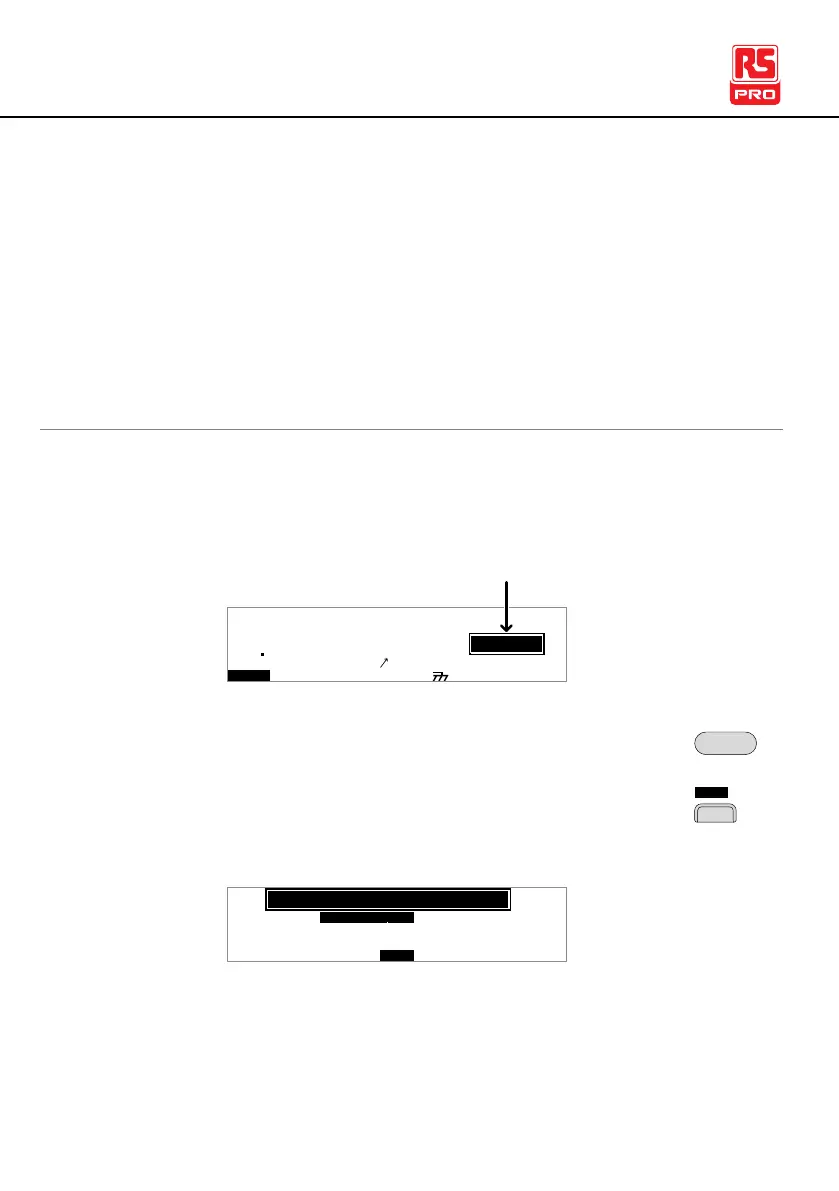
1. Ensure the tester is in VIEW status. Save the
current test if necessary.
I R G B
E
A CW D CW
F R E Q = 0 H z 6
0
100
k V
EIV
MT I E = 0 0 1 . 0 SR
0 0 m AER F =# 0 .0
1 . 0 0 m AIH ES = 0T
0 0 . 1 S0A M P =R
W
MM A UN N A_0M A N U = * * * - 0 0
m A
VIEW status
2. Press the UTILITY key.
3. Press the CTRL soft-key to bring up the Control
Common Utility menu.
K e y L o k : Oc
F F
S t a r t t r lC
D o u b l e A c t
i no
L C D B U Z Z N T EI R C T R L
:
: F R O N T P A N
MOC MO
U N T I L I T Y
E L
FO F
I N T E R L C K :O
O FF



 To Next Page