IIT-2000/2010/5000/5010 Instruction Manual/English
134 05/08/2015 Version No. 001
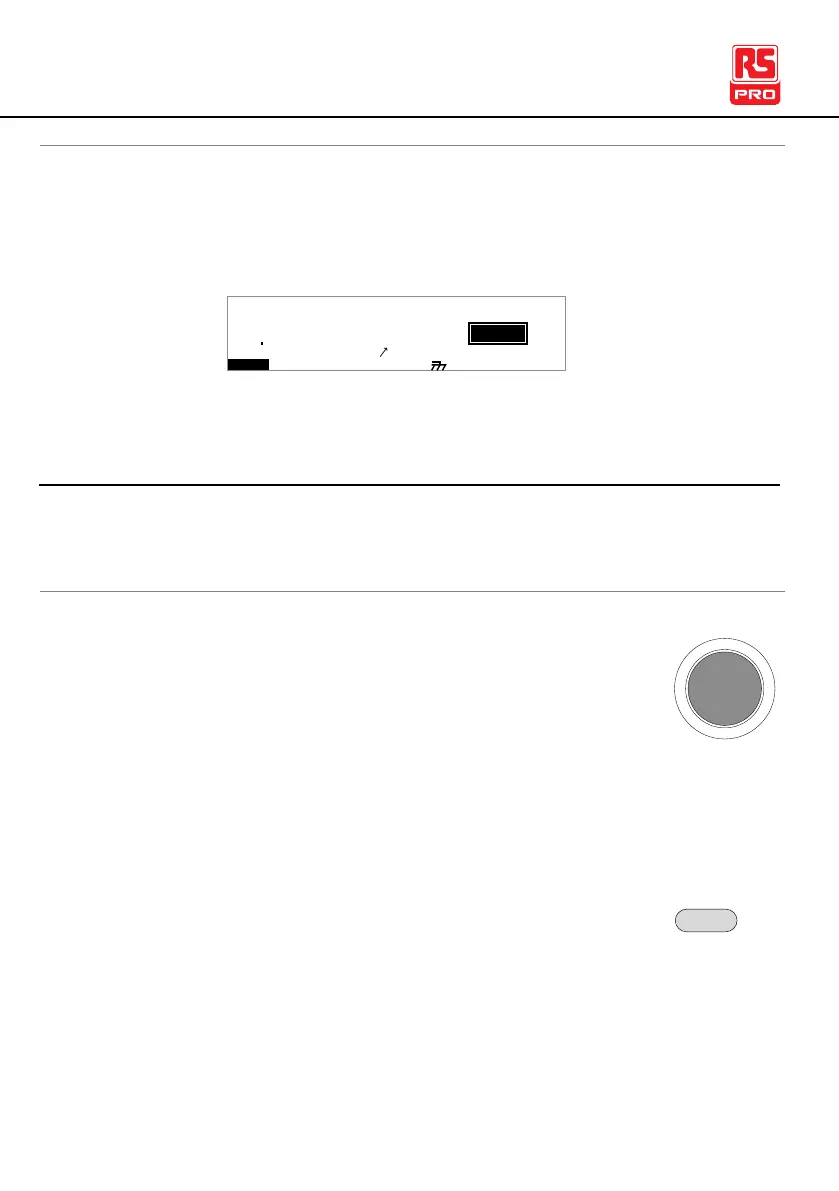
When the panel is being remotely controlled via the USB,
RS232 or GPIB interfaces, RMT will be displayed on the
screen.
I R G B A CW D C W
F R E Q = 0 H z 6
0
100
k V
TMR
MT I E = 0 0 3 . 2 SR
0 0 m AER F =# 0 .0
1 . 0 0 m AIH ES = 0T
0 0 . 1 S0A M P =R
2M A UN 0 0_2M A N U = * * * - 0 0
m A
Return to Panel Control
When the instrument is remotely controlled all panel keys
except the STOP button are disabled.
1. When RMT is on the display, press the STOP
button. The panel goes to the READY status.
2. From the READY status the tester can go into
one of two states: TEST or VIEW.
To put the tester into VIEW status, press the
MANU/AUTO key.
To put the tester in TEST status, press the START
button. This will start the manual test/automatic
test. For more details on running a manual test or



 To Next Page