IIT-2000/2010/5000/5010 Instruction Manual/English
05/08/2015 Version No. 001 73
I R G B
m A
A CW D CW
E
F R E Q = 0 H z 6
0
100
k V
EIV
MT I E = 0 0 1 . 0 SR
0 0 m AER F =# 0 .0
1 . 0 0 m AIH ES = 0T
0 0 . 1 S0A M P =R
W
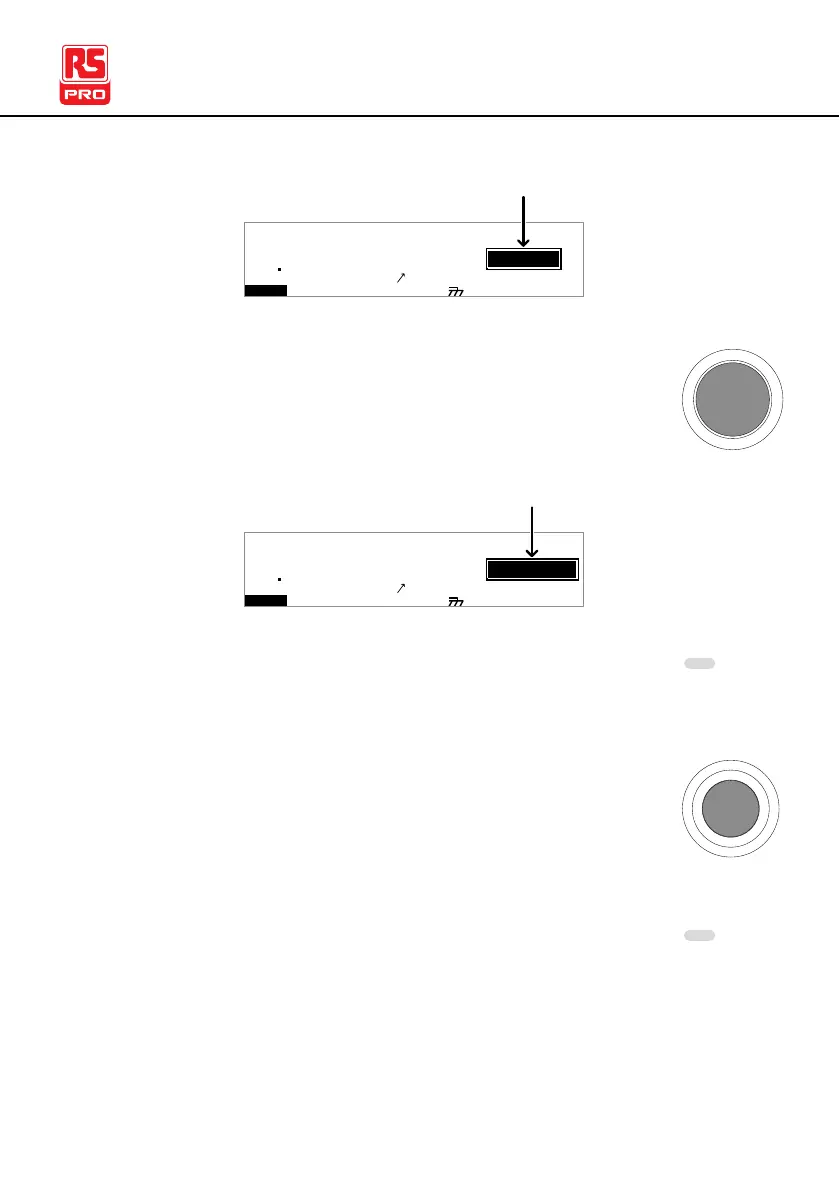
VIEW status
MM A UN N A_2M A N U = * * * - 0 0
2. Press the STOP button to put the tester into the
READY status.
I R G B
m A
A CW D CW
E
F R E Q = 0 H z 6
0
100
k V
AER
MT I E = 0 0 1 . 0 SR
0 0 m AER F =# 0 .0
1 . 0 0 m AIH ES = 0T
0 0 . 1 S0A M P =R
D
MM A UN N A_2M A N U = * * * - 0 0
READY status
Y
3. The READY indicator will be lit blue when in the
READY status.
4. Press the START button when the tester is in the
READY status. The manual test starts
automatically and the tester goes into the TEST
status.
5. The TEST indicator will be lit orange when in the
TEST status.



 To Next Page