IIT-2000/2010/5000/5010 Instruction Manual/English
84 05/08/2015 Version No. 001
3. Press the STOP button to put the tester into the
READY status.
4. The ZERO function can be activated by
pressing the corresponding soft-key in the
READY status. The ZERO soft-key will be
highlighted.
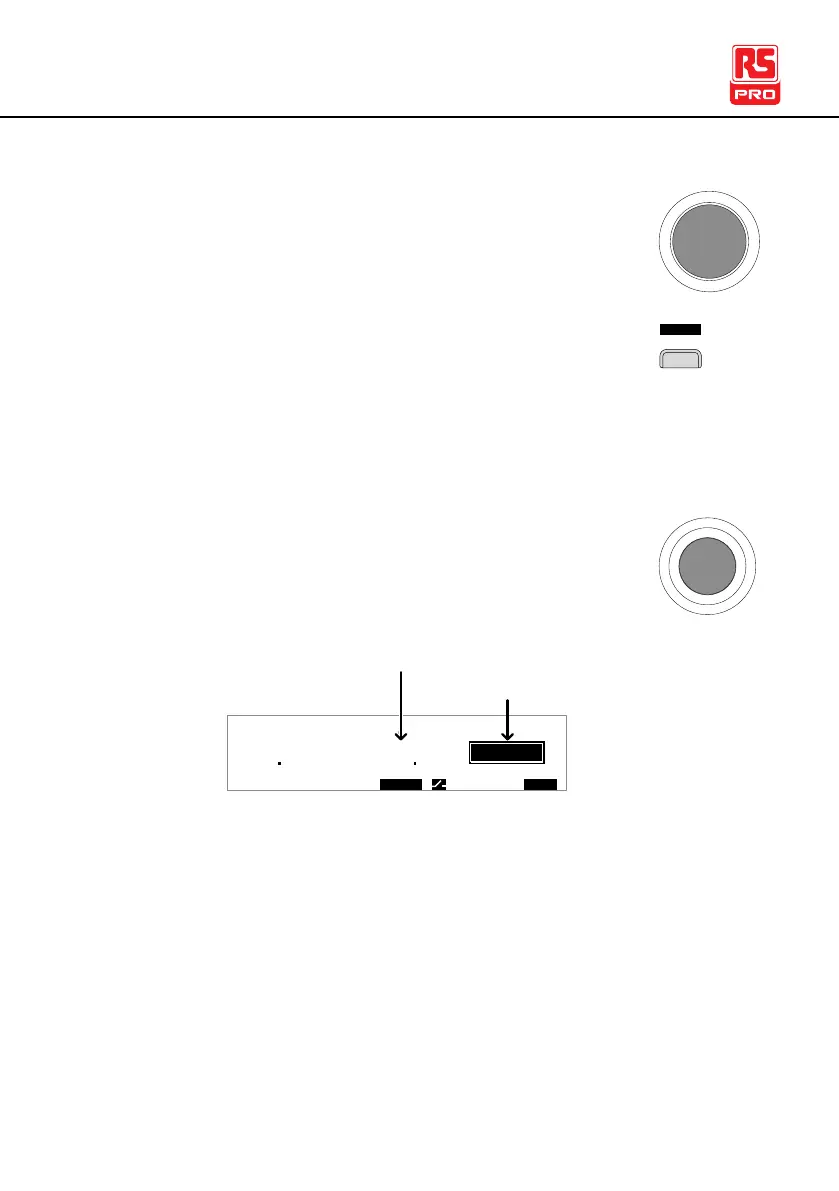
5. Press the START button to perform the zero
check. The tester will go into the ZERO status.
0
3 01
A
Z E R 0 I R G B A CW D CW
E
F R E Q = 0 H z 6
REZ
G B V = 0 . 6 2 2 V MT I E = 0 0 3 . 2 SR
. 0 m ΩER F =# 0 00
0 0 . 0 m ΩIH ES = 3T
MM A UN N A_2M A N U = * * * - 0 0
O
Measured Resistance
200 7
m Ω
ZERO status
6. When the zero check has finished, the tester will judge the
test as either PASS or FAIL. If the test has passed, the
resistance of the test leads will be automatically set as the
Reference value.



 To Next Page