SLT12 User Manual
88
Stakeout arc
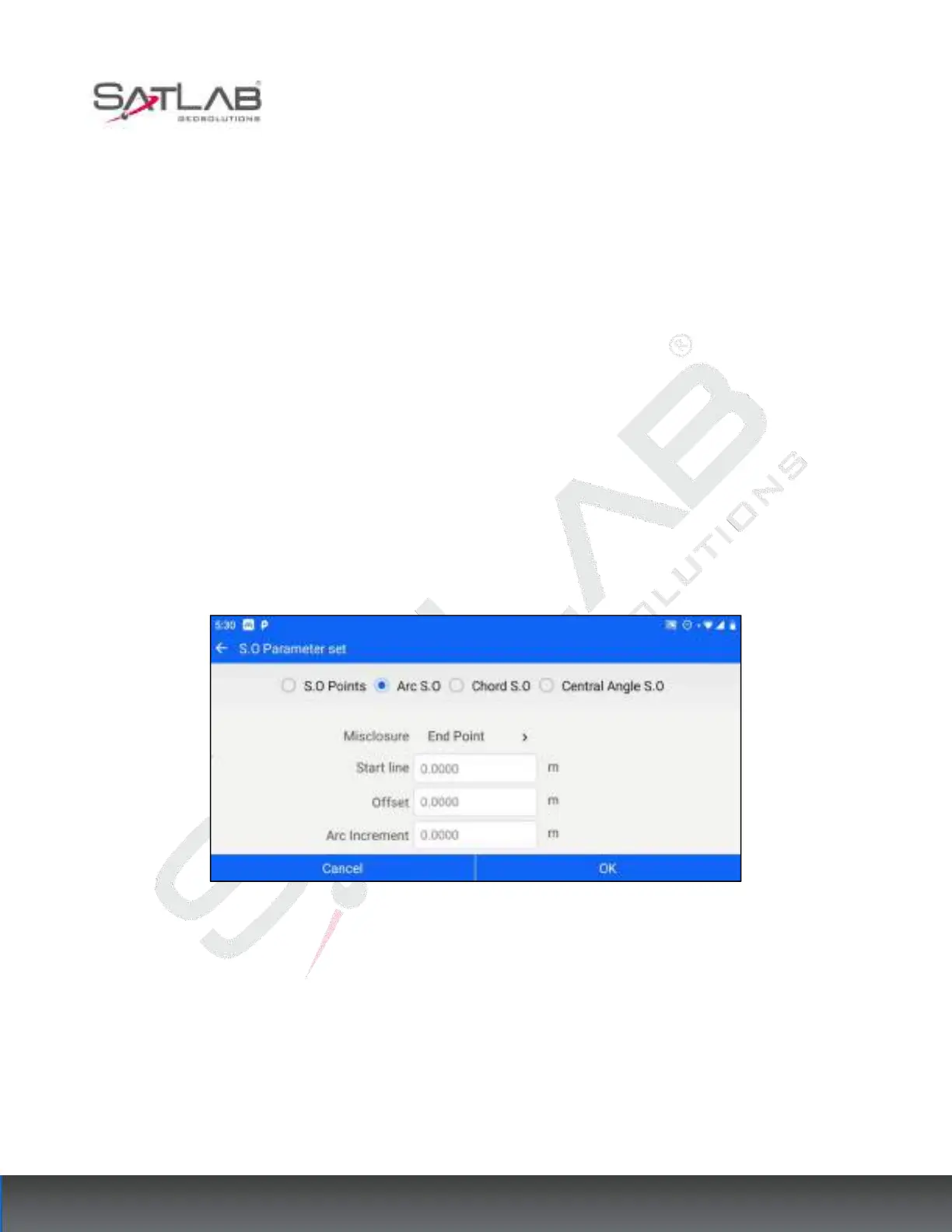
Select the arc stakeout item, set the closing difference, starting arc distance, diameter distance, arc increment,
and other parameters, and then click OK to jump to the reference arc stakeout interface, click Save/Measure-
Store to calculate the stakeout information, and expand the right graphical interface to display the current
position, prism points, and the position relationship between the stakeout points.
Closure Difference "Misclosure": including three modes of endpoint closure difference, evenly divided closure
difference, and endpoint closure difference. If the endpoint mode is selected, the remainder of the total arc
length/arc increment when the stakeout point switching is performed is attributed to the last stakeout point, and
so on for other modes.
Starting arc distance "Start line": set to c, then the starting stakeout point is the position in the reference arc after
the starting point is offset clockwise by arc distance c, and 0 < c < total arc length.
Diameter distance "Offset": see the parameters of the stakeout point item.
"Arc Increment": set to d, then the stakeout interface can switch the stakeout point in steps of arc increment d via
the Previous Point Next Point button, and 0<d< total arc length.
Figure 8- 36



 To Next Page