SLT12 User Manual
131
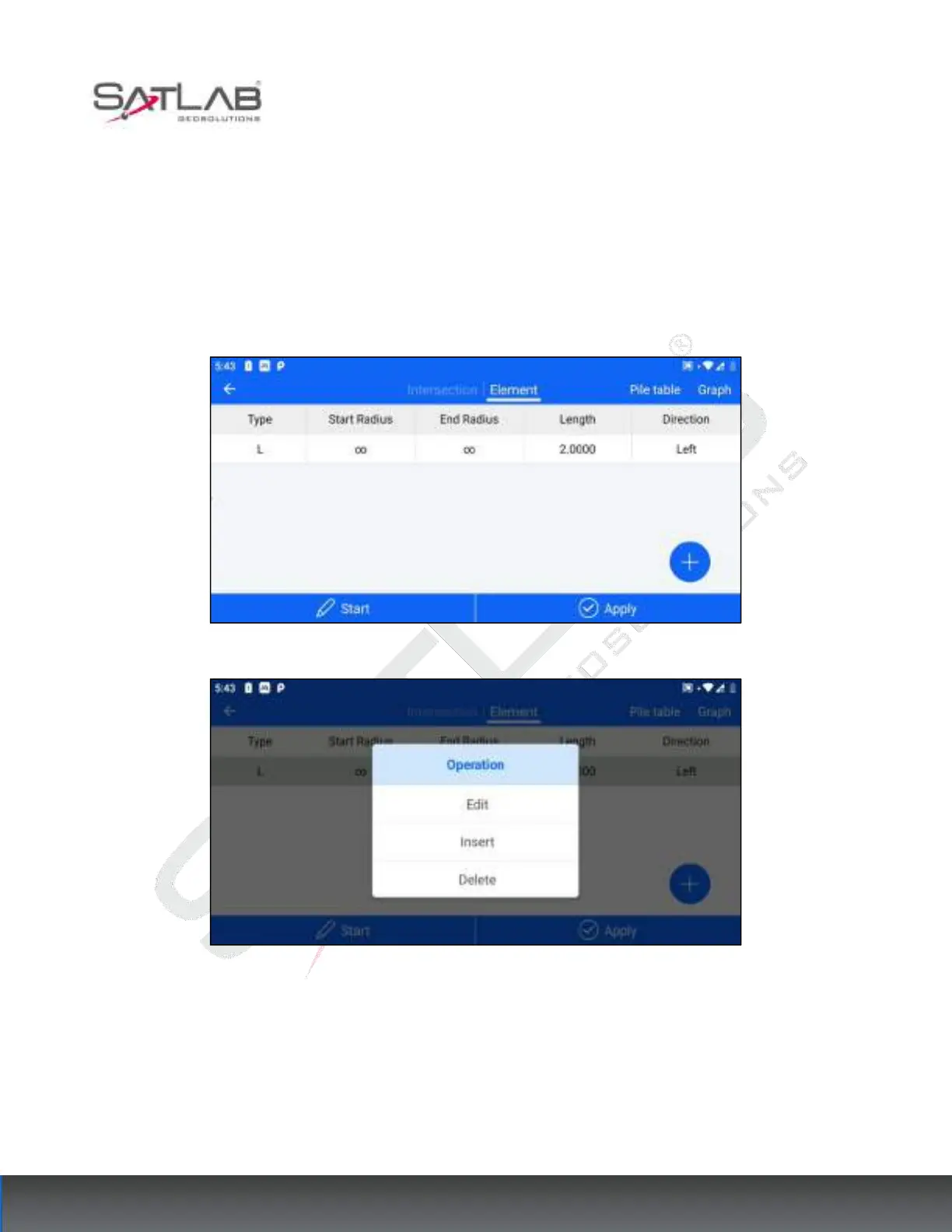
Simple line segments mainly include straight lines, circular arcs, and gentle curves.
"Straight line": the letter L indicates that only the line element length needs to be entered.
"Arc": the letter A indicates the input starting radius (∞ represents infinity, i.e., a straight line), line element
length, and direction (the forward direction is the reference deflection direction).
"Gentle Curve": The letter S indicates that the starting radius, ending radius, line element length, and direction is
entered.
Figure 11- 12
Figure 11- 13
[Starting Point]: Click "Starting Point" to enter the starting point interface to edit the starting point information.
[Graph]: See the intersection method
[Apply]: After the line element method data has been edited, click "Apply" to update the current data.
[Edit]: You can edit the already entered line element data.



 To Next Page