SLT12 User Manual
157
Figure 13- 2
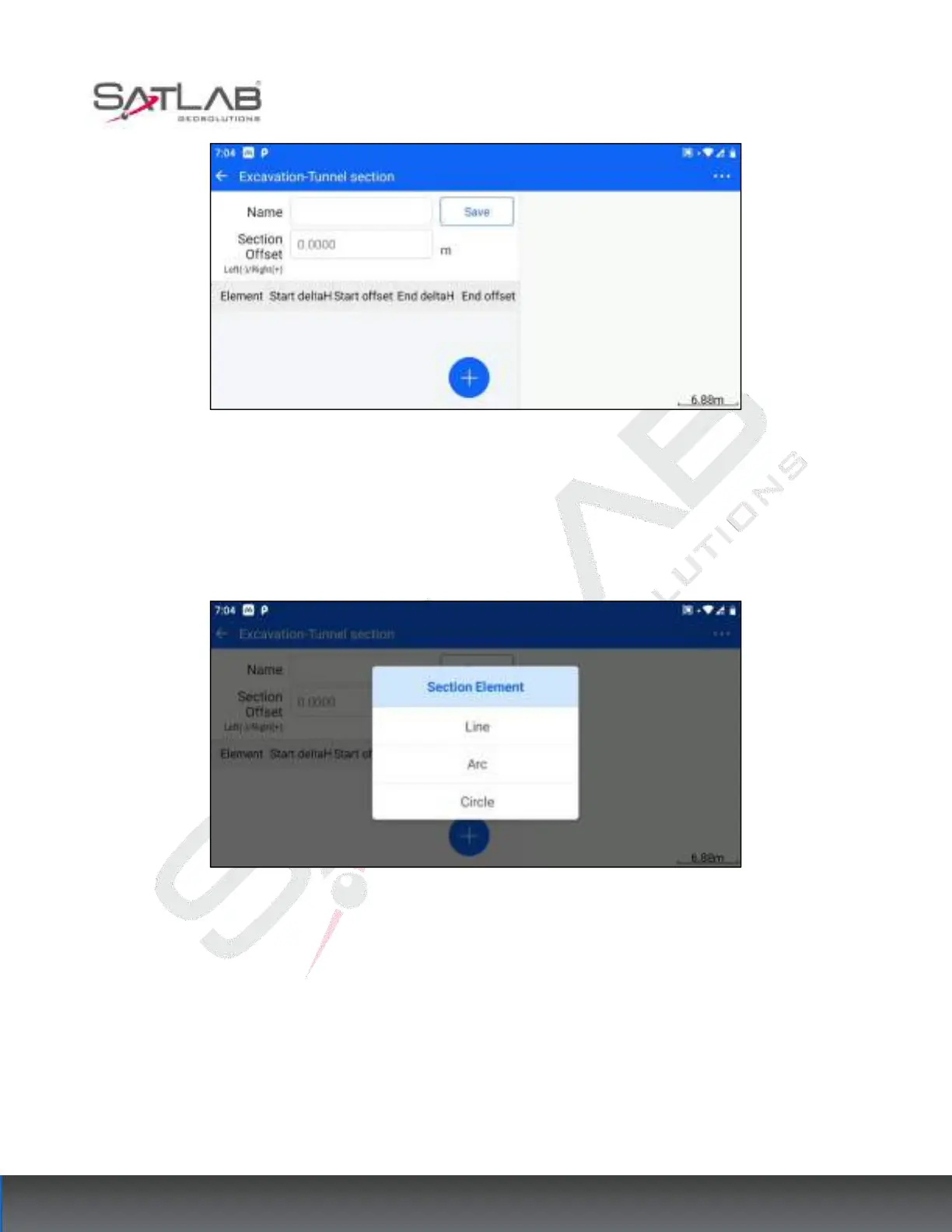
Different section types design section processes and methods are the same, the parameters to be set are name,
offset in the tunnel, and section line element.
4. In the tunnel section design interface, click the hover "+" button to bring up the section line element selection
box, the options are " line", "arc" and "circle".
Figure 13- 3
If the section element type is a straight line, the parameters to be set start elevation difference, start offset, end
elevation difference, and end offset. The start point cannot be the same as the endpoint.



 To Next Page