SLT12 User Manual
163
section), the road has been designed for different section types of tunnel cross-sections and tunnel feature points.
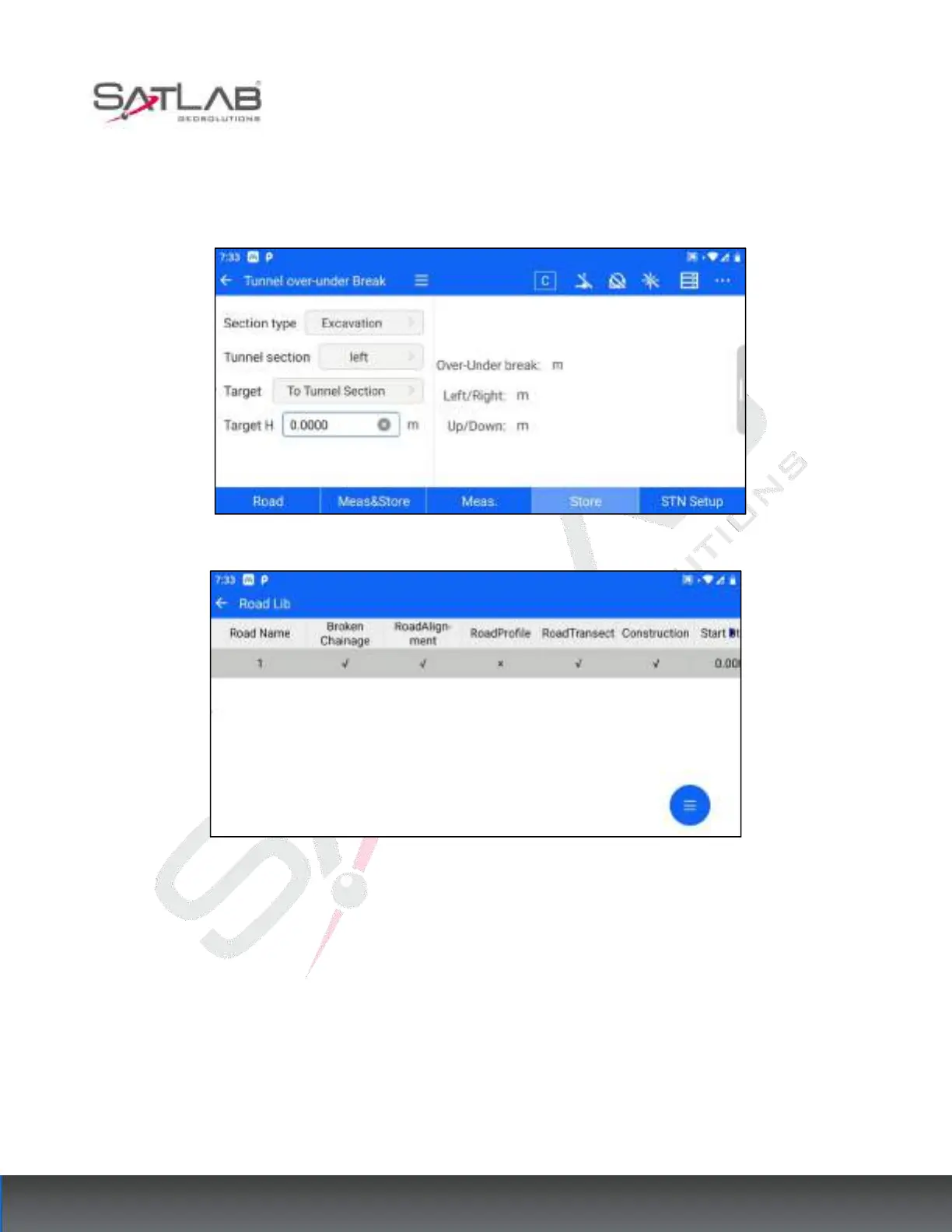
2. Select road data: click the "Road" button, jump to the road library, and click to select the road data that need to
be put back into the sample interface.
Figure 13- 14
Figure 13- 15
2. Target selection: After selecting the road data, click the section type column, tunnel section column, and target
column, and select the current road data need to tunnel over and under the excavation section or feature points.



 To Next Page