SLT12 User Manual
164
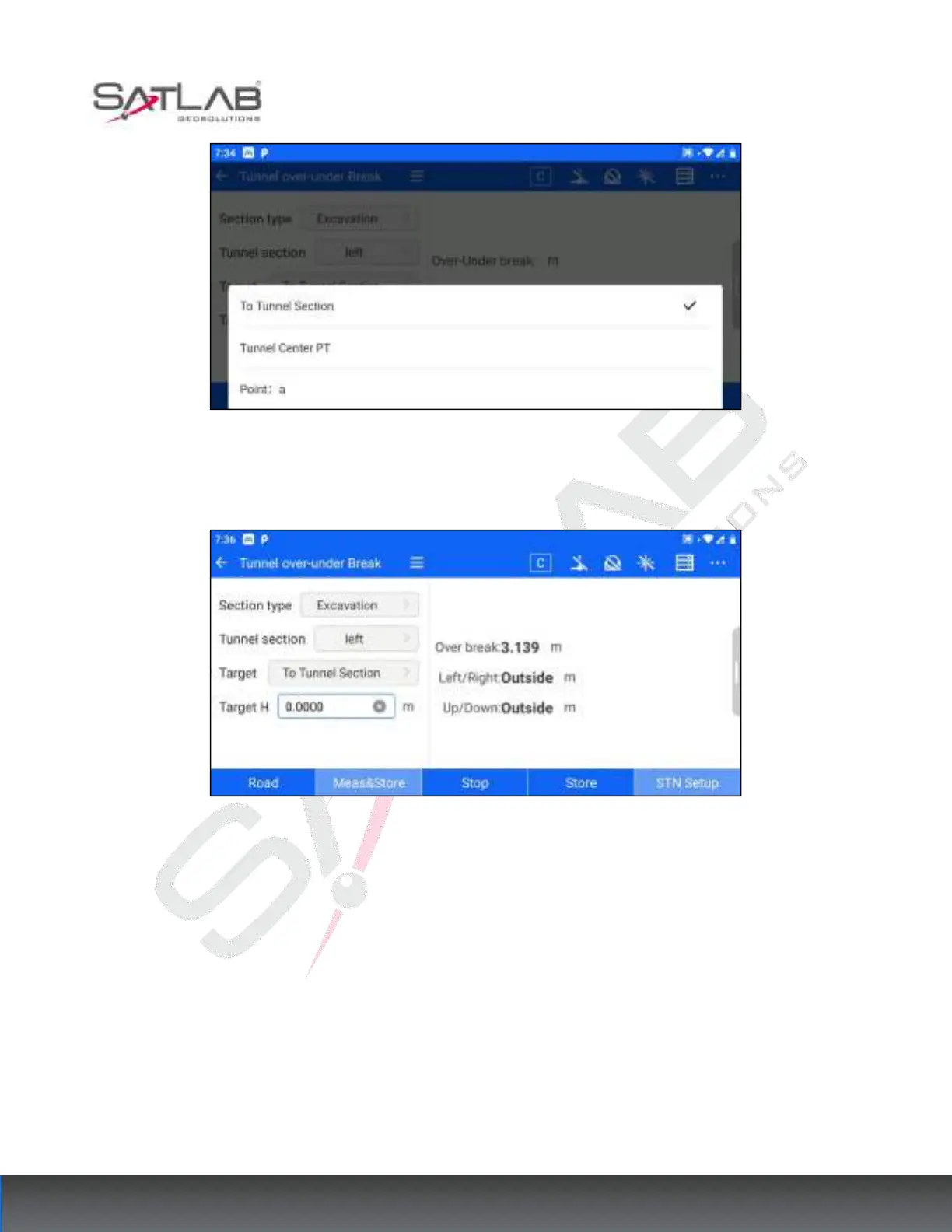
Figure 13- 16
3. "To the section": If the target column selects the section, click on the measurement of storage/measurement,
the right side will show the over-under excavation, left and right distance, and fill the distance.
Figure 13- 17
4. "To mid-tunnel point/feature point XX": If you select to mid-tunnel point or to feature point in the target
column, click Save/Measure, the target angle and distance will be displayed on the right side, as well as the
left/right distance, front/back distance and up/down distance.



 To Next Page