SLT12 User Manual
34
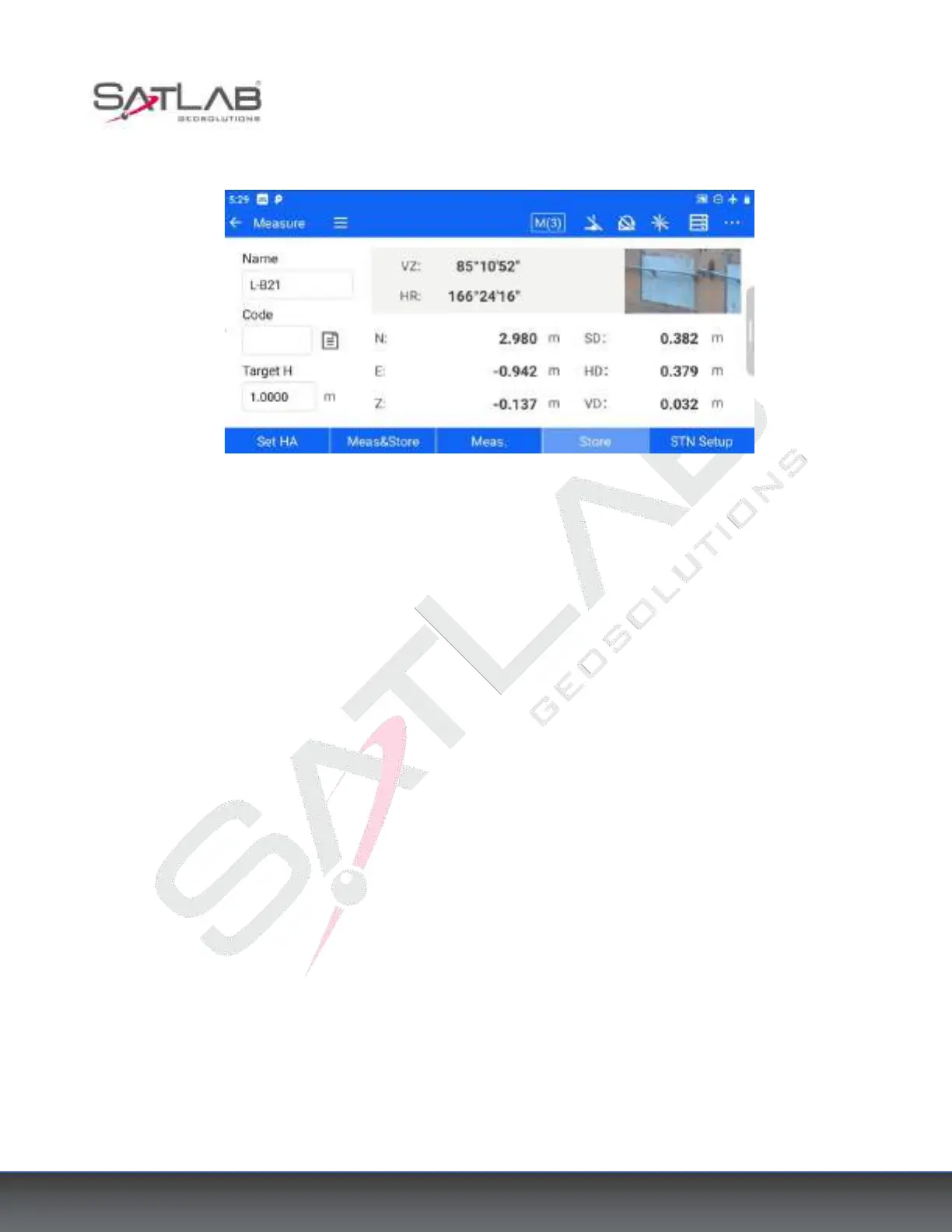
Figure 5- 5
The following buttons are common to all collection/stakeout interfaces and will not be repeated after the
explanation here.
[Meas.&Store]: Start coordinate measurement and store the data in the measurement point library.
[Meas.]: Start coordinate measurement.
[Store]: When the target point coordinates have been measured, click [Store] to store the target point information
in the measurement point library.
[STN Setup]: Jump to the station setup interface.
Click the pull-out icon on the right side of each collection/stakeout interface to expand the graphical interface,
which displays the measurement point, stakeout point, and control point distribution map by default. For
different acquisition/stakeout program interfaces, corresponding instruction graphics will be displayed.



 To Next Page