12-32
Troubleshoot a problem
12
Action Yes No
Step 3
1)Dependingonyouroperatingsystem,specifythepaper
size and paper type from the Printing Preferences or Print
dialog.
Note
-
Make sure that the settings match the paper loaded.
2)Printthedocument.
Is the print mottled?
Go to step 4. The problem is
solved.
Step 4
1)Loadpaperfromafreshpackage.
Note
-
Paper absorbs moisture due to high humidity. Store paper
in its original wrapper until you are ready to use it.
2)Printthedocument.
Is the print mottled?
Go to step 5. The problem is
solved.
Step 5
1)Openthefrontdoor,andthenfirmlypushitdown.
2)Pullouttheprintcartridgetray.
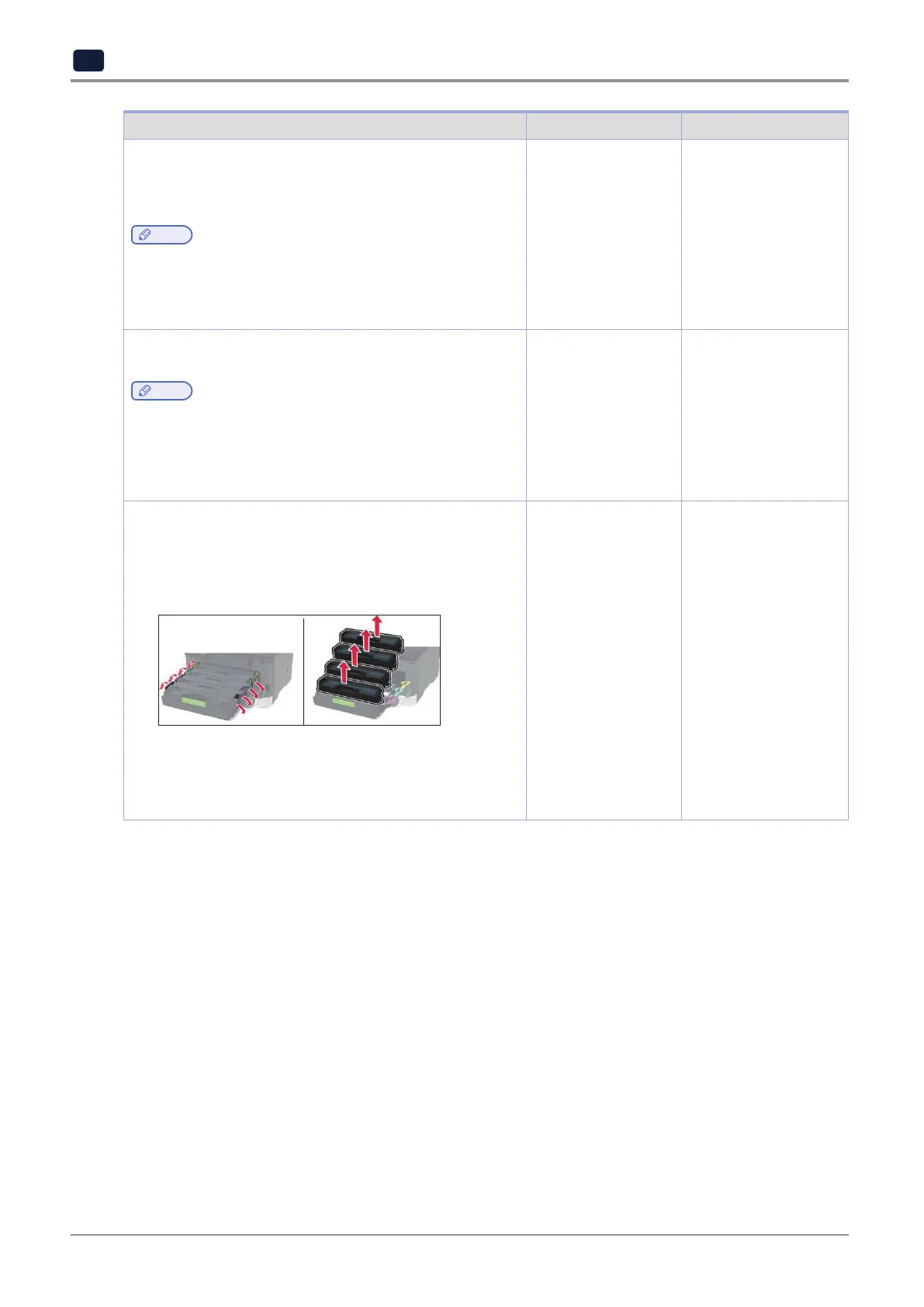
3)Remove,andtheninserttheprintcartridges.
4)Inserttheprintcartridgetray,andthenclosethedoor.
5)Printthedocument.
Is the print mottled?
Contact customer
support.
The problem is
solved.



 To Next Page