Operating Manual Audiology Scanners
Document version: 3.3 04-2020 100
Reinstall the camera driver
The release notes Changelog-auralScan.pdf inform about the last released
version of the PointGrey FlyCap2Viewer camera driver. smart optics makes the
installation file available on the download server.
Current version: 2.11.3.121_x64
http://downloads.smartoptics.de/Support/Tools/PointGrey/
FlyCapture_2.11.3.121_x64.exe
Download the installation file.
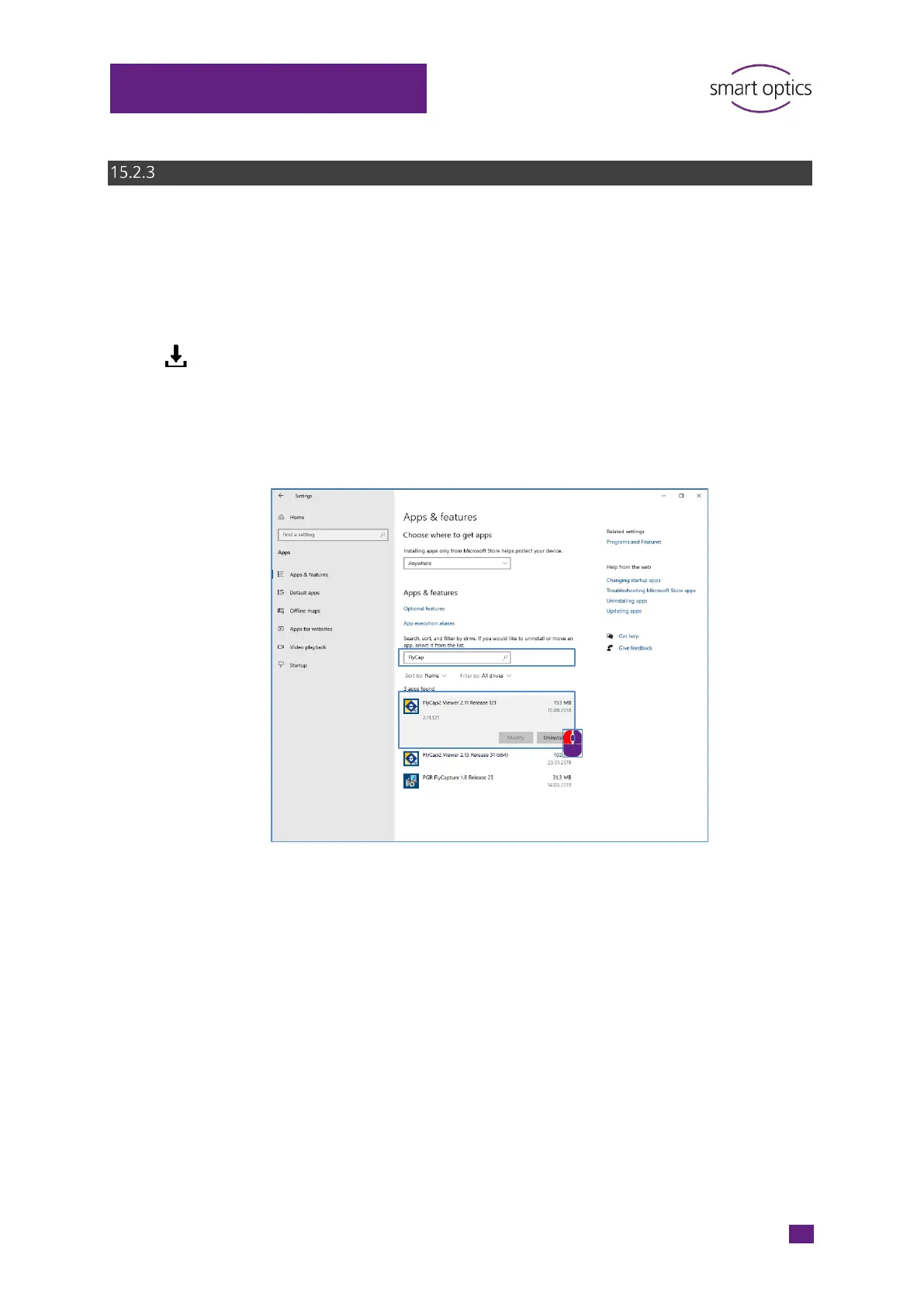
Open Settings| Apps.
Under Apps & Features, uninstall the old FlyCap camera driver.
Install the new camera driver.
Switch off the scanner.
Remove the USB cables.
Restart the PC.
Reconnect the USB cables.
Switch on the scanner again.



 To Next Page