Operating Manual Audiology Scanners
Document version: 3.3 04-2020 74
Reflection shining
Determines the intensity of the light reflection on the scan in the 3D viewer.
Scale 0 – 100
Steps of 1
Steps of 10
Default value: 40
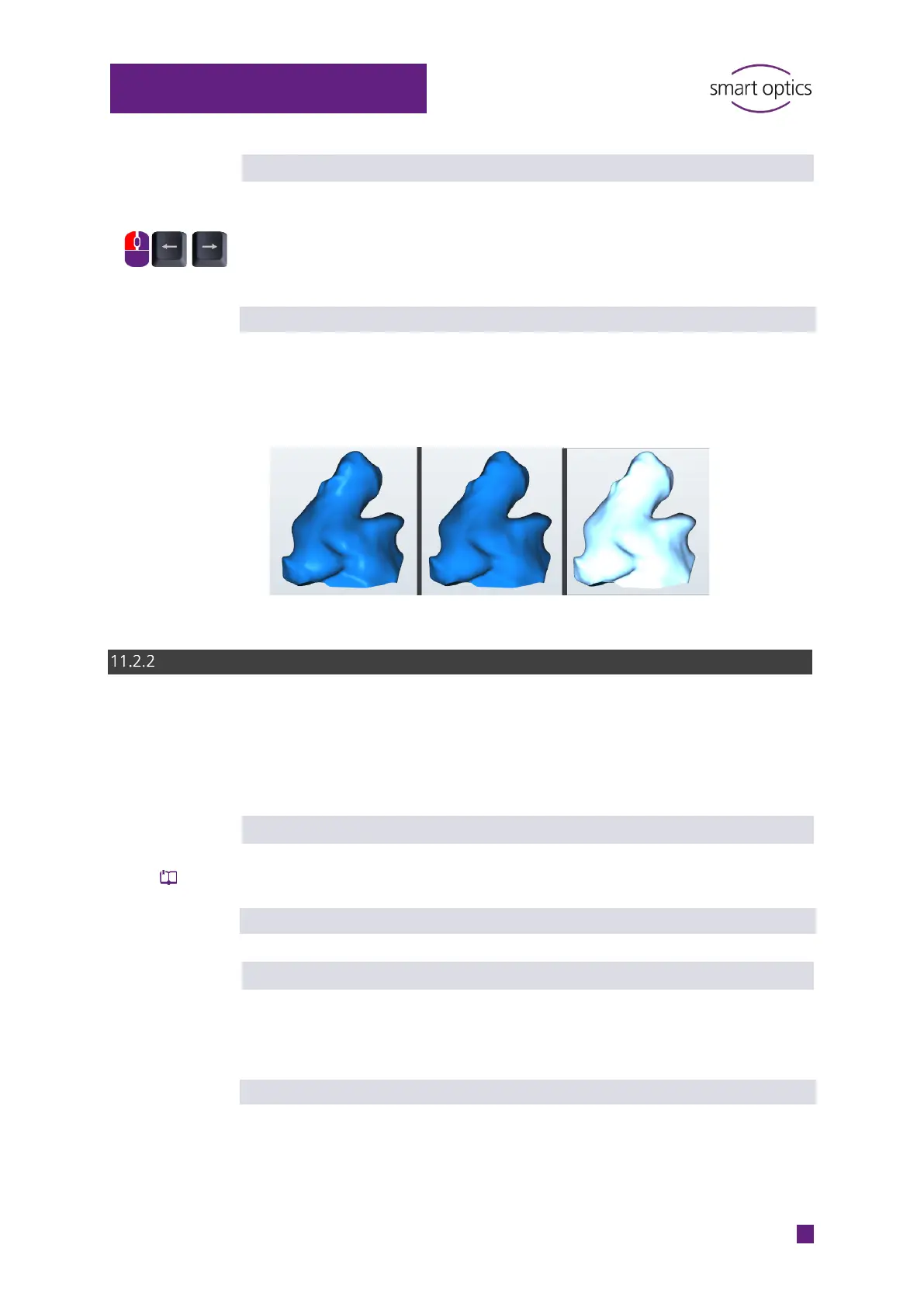
Effect of the reflection in the 3D viewer (brightness + reflectance),
it has no influence on the 3D measurement.
By default
0 (Minimum)
100 (Maximum)
Object rotation
The object rotation is a 360° rotation in the 3D viewer around the Z axis of the
scan. In the view by default, all sides are visible except the underside. The
object rotation is used to check the results.
Enabled
Determines whether the object rotation is allowed.
Manual rotation using the space bar.
Default value: enabled
Start rotation after matching
Determines whether both scans are automatically rotated after matching.
Rotation after matching is only possible if the Enabled setting has been
checked.
Default value: enabled



 To Next Page