Operating Manual Audiology Scanners
Document version: 3.3 04-2020 30
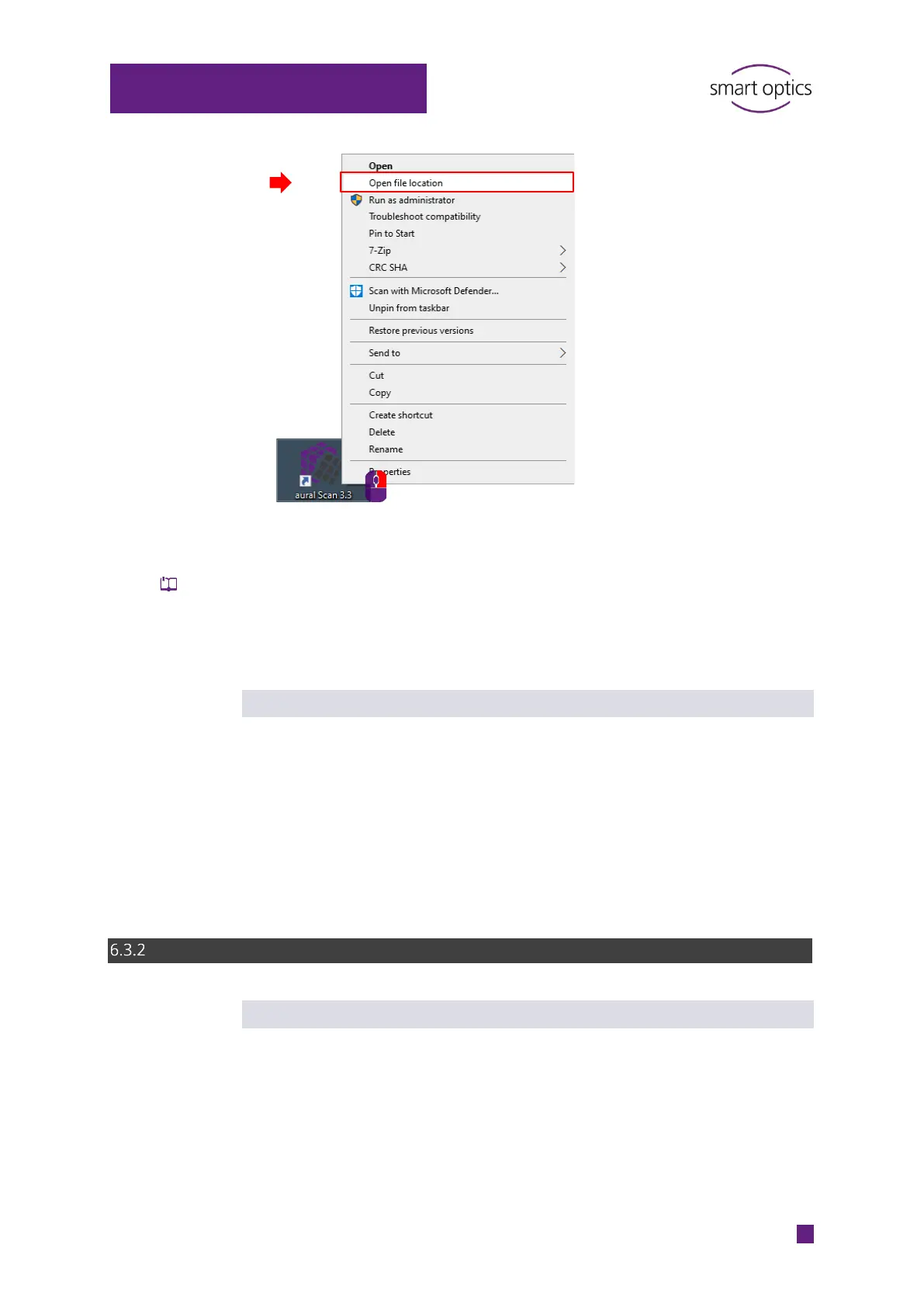
Double-click the file unins000.exe.
Follow the instructions.
The software will be uninstalled. The calibration data folder and a LOG file
will be kept.
Now you will be able to reinstall aural Scan.
Cleaning up an incomplete installation
This step allows you to completely remove aural Scan. This is not necessary for
the installation of a normal upgrade.
Delete the folders with software files, calibration data, personal settings
and temporary files:
C:\Program Files (x86)\3D-Scanner\aural Scan
C:\Users\[User]\AppData\Roaming\3D-Scanner\aural Scan
Installation of an upgrade
Backup (recommended)
Before installing a new version, save the installation file of the old version,
personal settings and the calibration data folder:
auralScan.exe
C:\Users\[User]\AppData\Roaming\3D-
Scanner\aural Scan\config\Settings.xml
C:\Program Files (x86)\3D-Scanner\aural Scan\data\SO-202…
The backup allows you to:



 To Next Page