Operating Manual Audiology Scanners
Document version: 3.3 04-2020 47
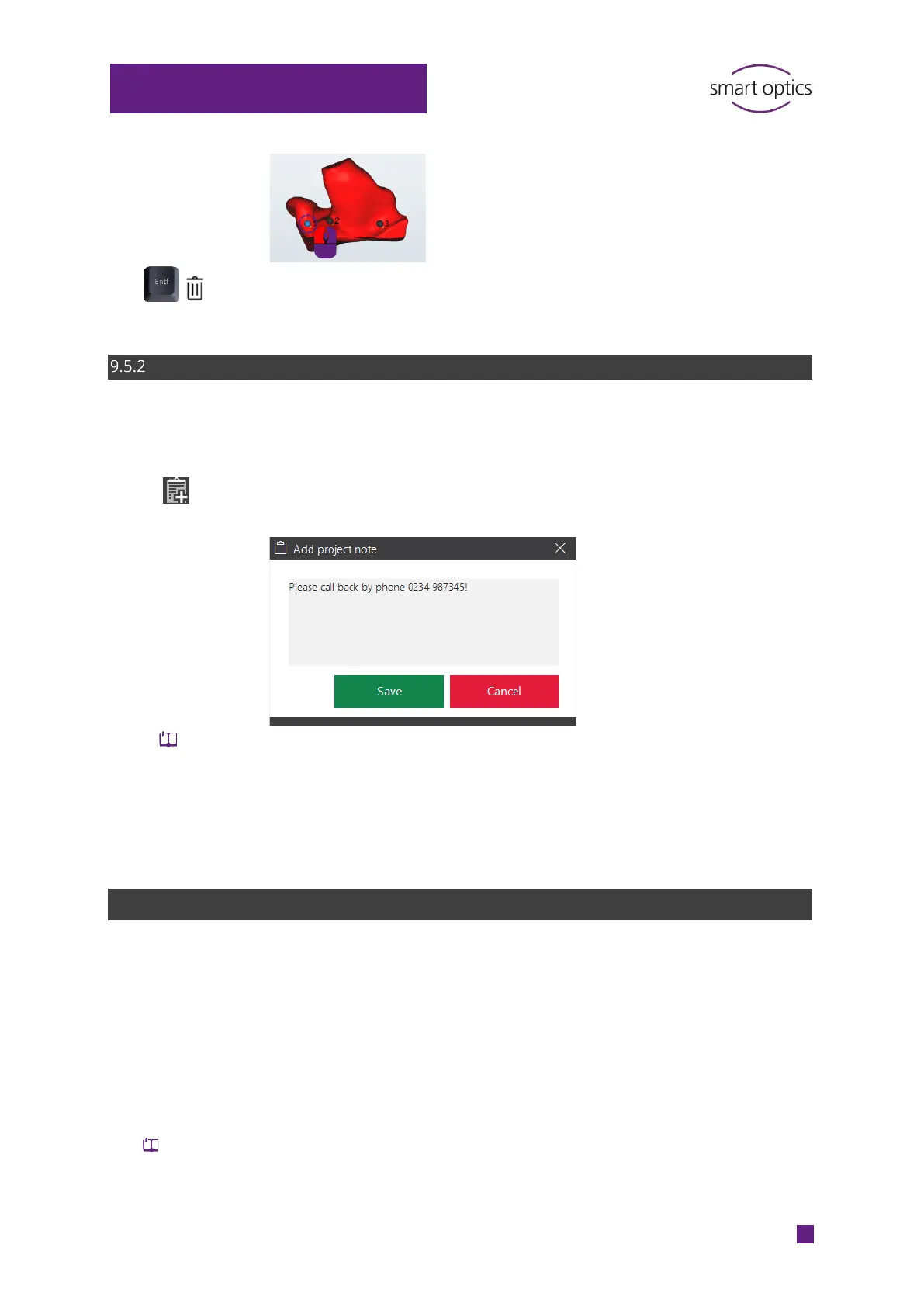
Press DEL or click on the trash bin icon.
Deleted notes cannot be recovered.
Commenting a scan project
You can enter general information about the scan project, e.g. to process the
order.
Click on “Add project note“.
Enter and save the note in the text field (150 characters max.).
You can delete the note from the text field until the work has been
finished.
When the work is finished, the text is printed in the order document
order.pdf.
9.6
Correcting a scan
Holes (gaps) can appear in a scan, e.g. due to:
Narrow places in the ear impression
Light reflections on the surface.
To complete the scan data, these holes must be filled. This is important for the
further processing in a CAD system and for the quality of the earmold.
Correction functions:
Rescanning
Fill holes
Cutting



 To Next Page