Operating Manual Audiology Scanners
Document version: 3.3 04-2020 56
Documents (order.pdf, project.log)
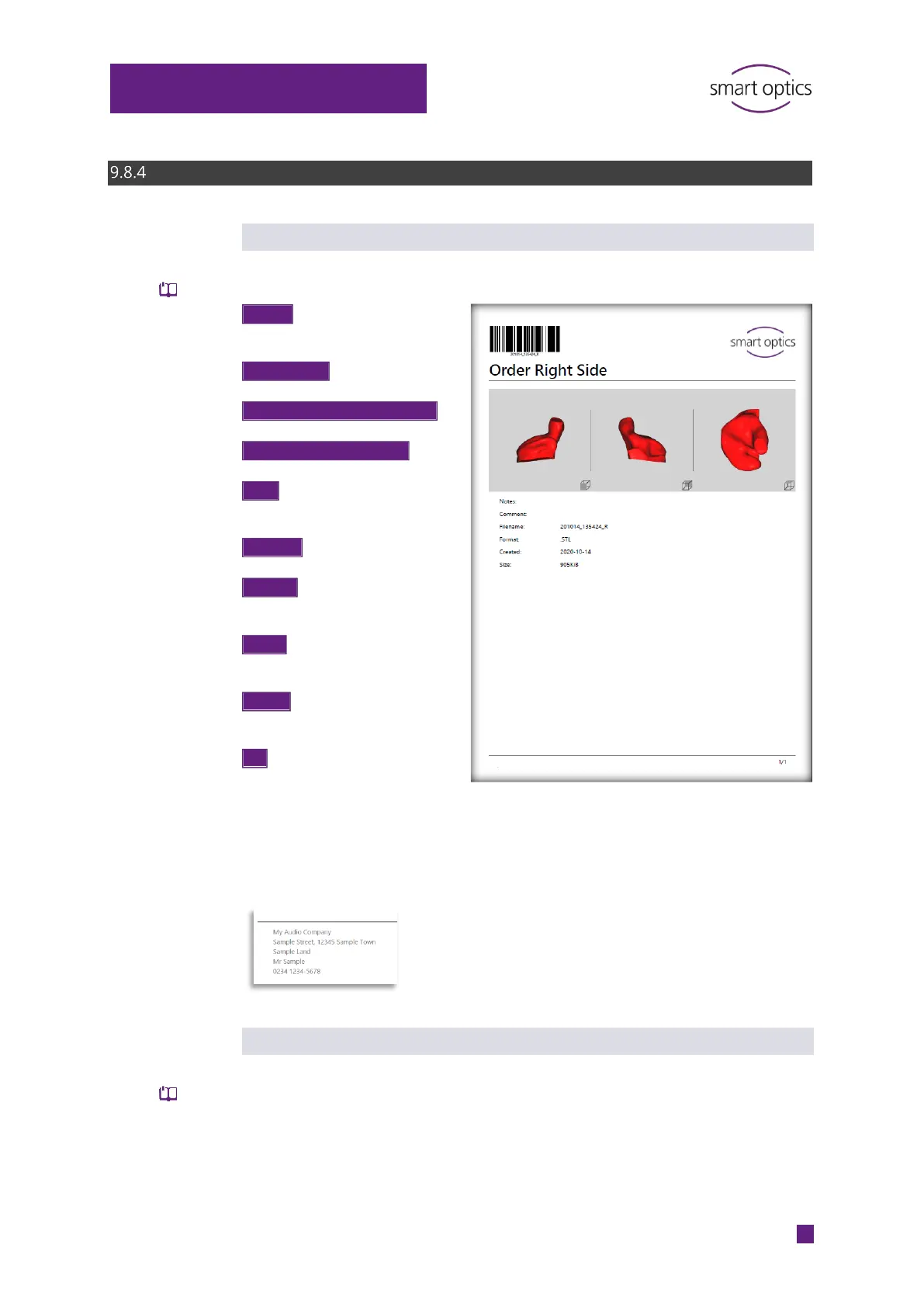
Order document “order.pdf”
aural Scan generates by default the order document “order.pdf” for a scan.
The order document can have the design of your company logo and your
company address. The company address is printed in the footer.
Project log “project.log”
aural Scan generates by default the order project log “project.log” for a
project. Certain settings and general conditions are logged (useful for
analyzing scan results).
PDF file
Write log file
Coded order data to be captured by a
barcode scanner
logo
“Order Left Side/Right Side”
back, top screenshots
Fixed perspectives, with markers
Text from an annotation with a
number assigned in the image
Text from the project note
the scan file without
MSH, ASC
-MM-DD
Size of the scan file in kilobytes



 To Next Page