Operating Manual Audiology Scanners
Document version: 3.3 04-2020 42
TIP
The display depends on the settings for the 3D viewer, scanning and
matching.
9.2
Naming scans
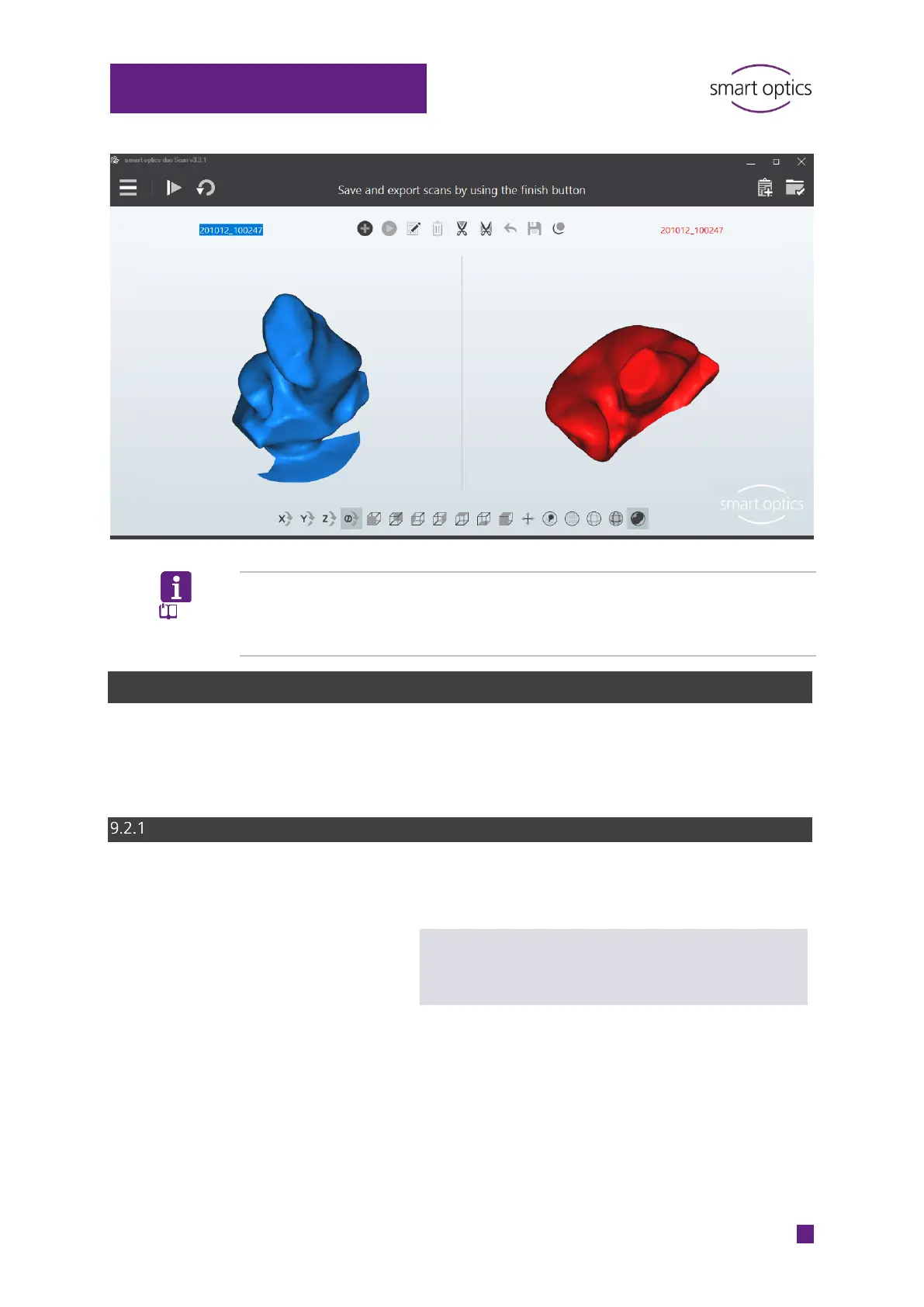
aural Scan names scans automatically. To identify scans more easily, you can
enter scan names manually, e.g. with patient names or case numbers.
Naming rules
Based on date and time (time stamp).
Example
200612_094143
YY|MM|DD_HH|MM|SS
Year|Month|Day_Hour|Minute|Second
Scan names are part of the file names.
Invalid character strings:
AUX CON NUL PRN
COM1 … COM9
LPT1 – LPT9
Invalid special characters:
< > : " / \ | ? *
Extensions: STL, MSH, ASC



 To Next Page