Operating Manual Audiology Scanners
Document version: 3.3 04-2020 64
Recommendation:
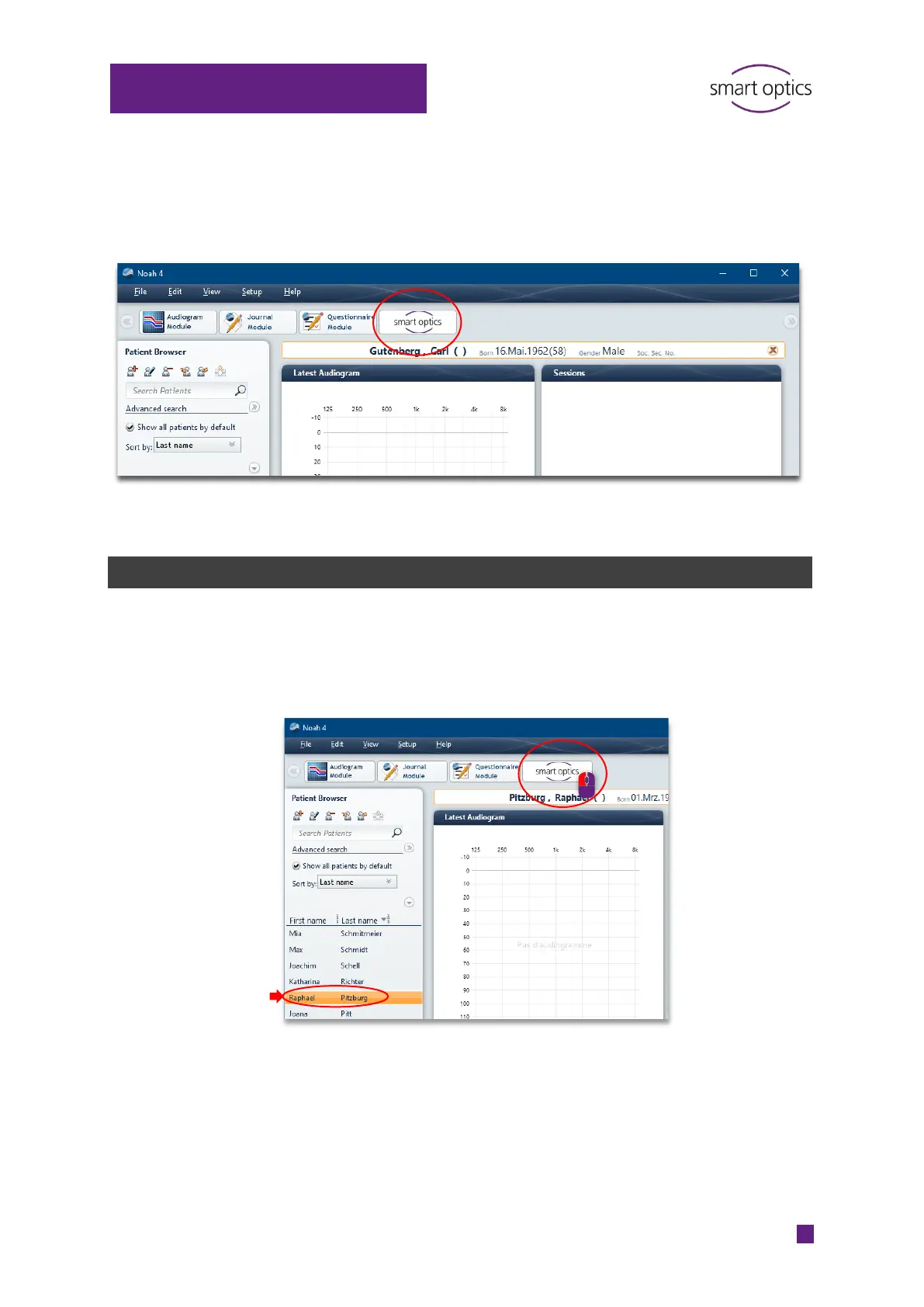
In Noah, select View | Mixed view to see the patient browser and the
sessions (linked files) at the same time.
10.2
Scanning with Noah
Switch on the scanner.
Choose a name (Noah patient browser, left).
Start aural Scan with the smart optics button.
aural Scan will start and opens a scan project for the patient.
Possible tasks:
Starting
Renaming/naming with a barcode
Rotate, zoom, display
Annotating and commenting



 To Next Page