Operating Manual Audiology Scanners
Document version: 3.3 04-2020 77
If necessary, change the scanning strategy to regulate the measurement
accuracy.
The standard values are selected to allow audiology scanners to achieve
measurement accuracy pursuant to ISO 12836. If you have any questions
about quality management, please contact your support.
Initial scan
Refers to the first scan.
Default value: Fast
Follow-up scan(s)
Refers to a repeat scan.
Default value: By default
11.4
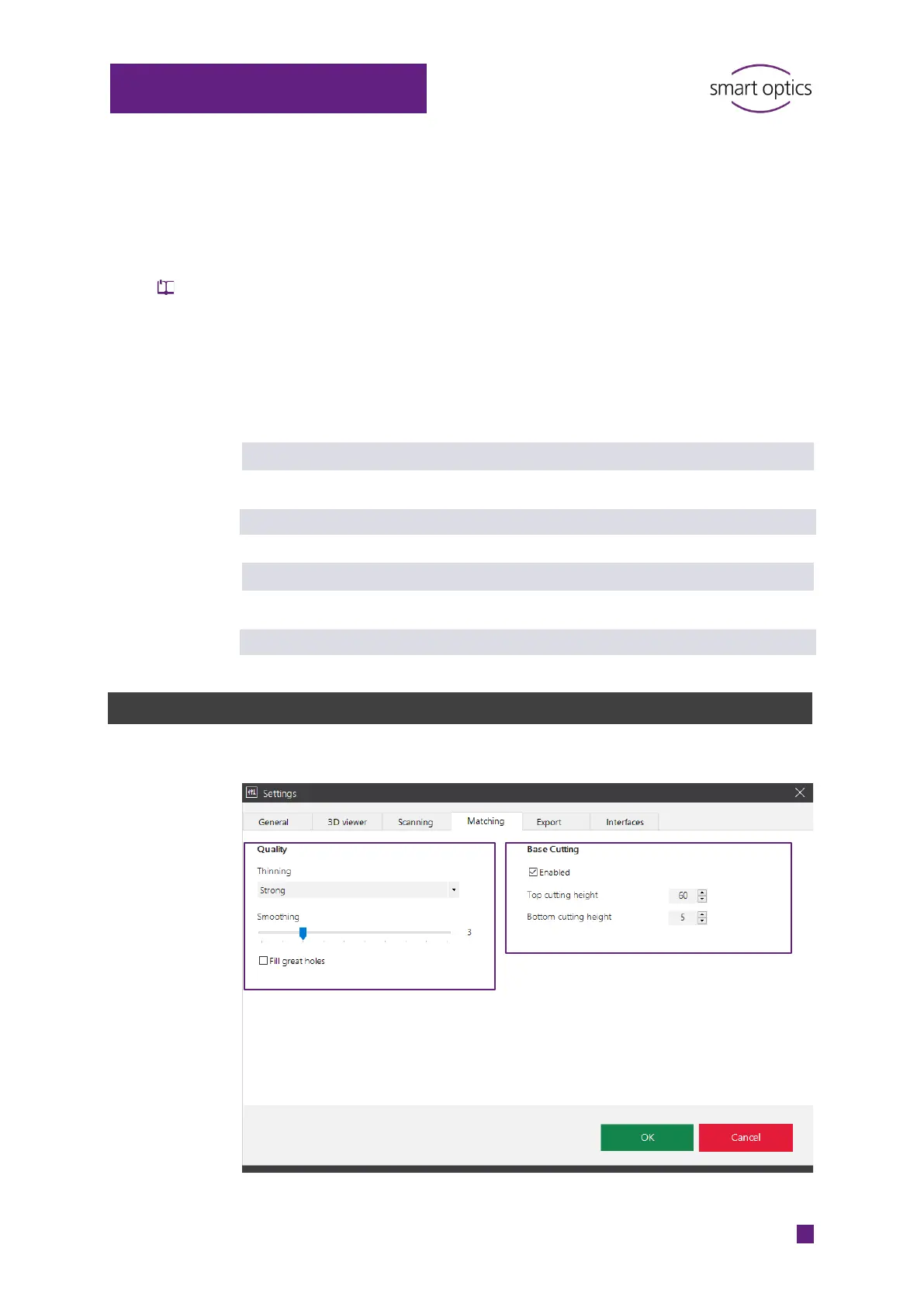
“Matching” settings
Click on ⁉ for information



 To Next Page