Operating Manual Audiology Scanners
Document version: 3.3 04-2020 76
11.3
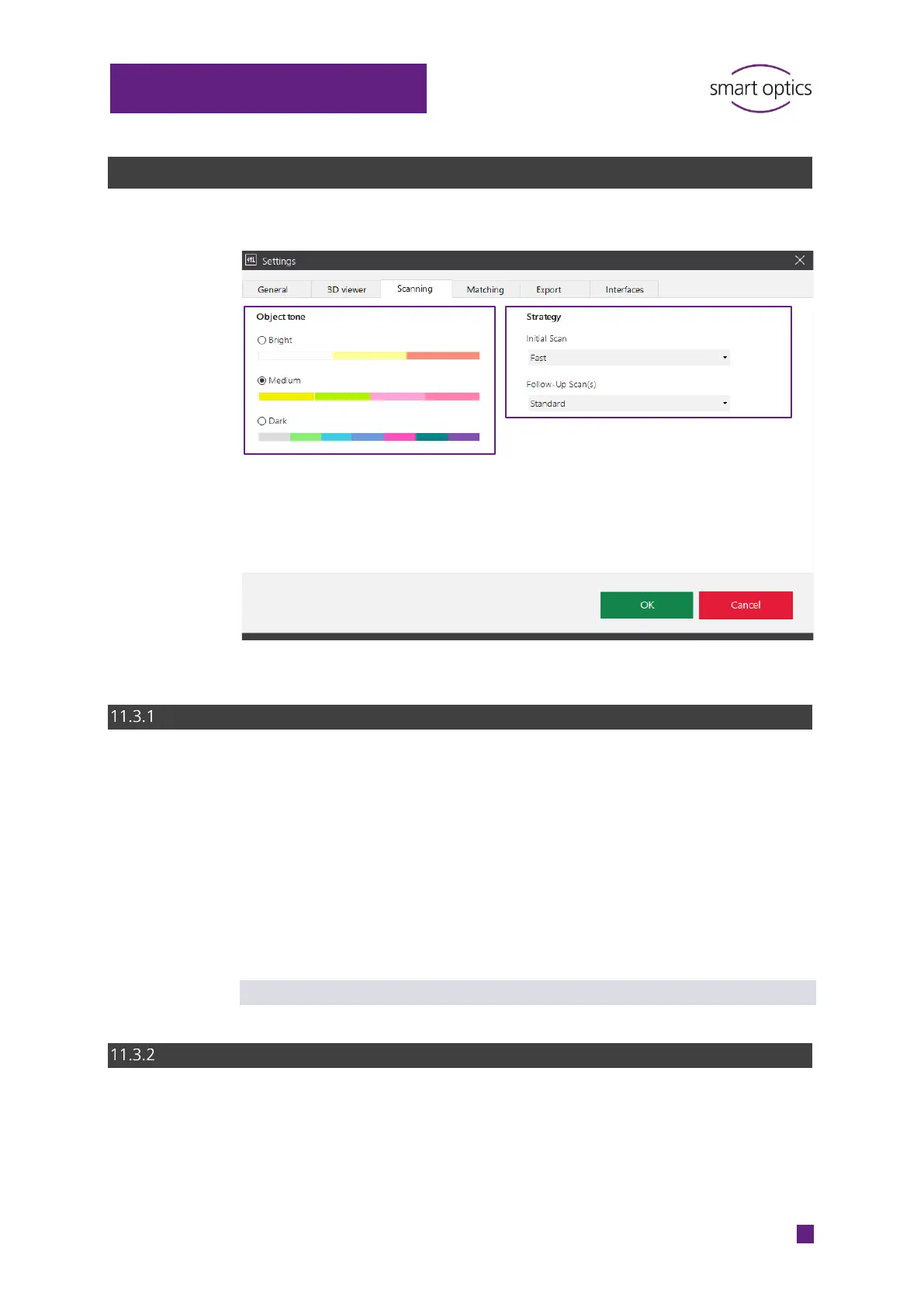
“Scanning” settings
Object tone
Categorization of the impression material to be scanned as light, medium or
dark according to the color scale.
Select the setting that is most similar to the impression material to be
scanned. Change the setting if the color of the impression material
changes.
The light intensity of the sensor will be adjusted accordingly.
Shiny materials must be additionally matted with 3D scan spray.
Default value: Medium
Strategy
Determines the type of measurement and the number of images. The setting
is logged (project.log).
aural Scan has three modes.
⁉ for information



 To Next Page