Operating Manual Audiology Scanners
Document version: 3.3 04-2020 92
aural Scan requests you to place ear impressions inside the scanner
Only use well-crafted, average-sized impressions.
After the message Axis calibration successful, you can start scanning.
14.2
3D calibration
Your scanner works with sufficient accuracy when you use the axis calibration.
However, if there are high demands on the measurement accuracy of the
scanner in production or quality control, a 3D calibration is also useful.
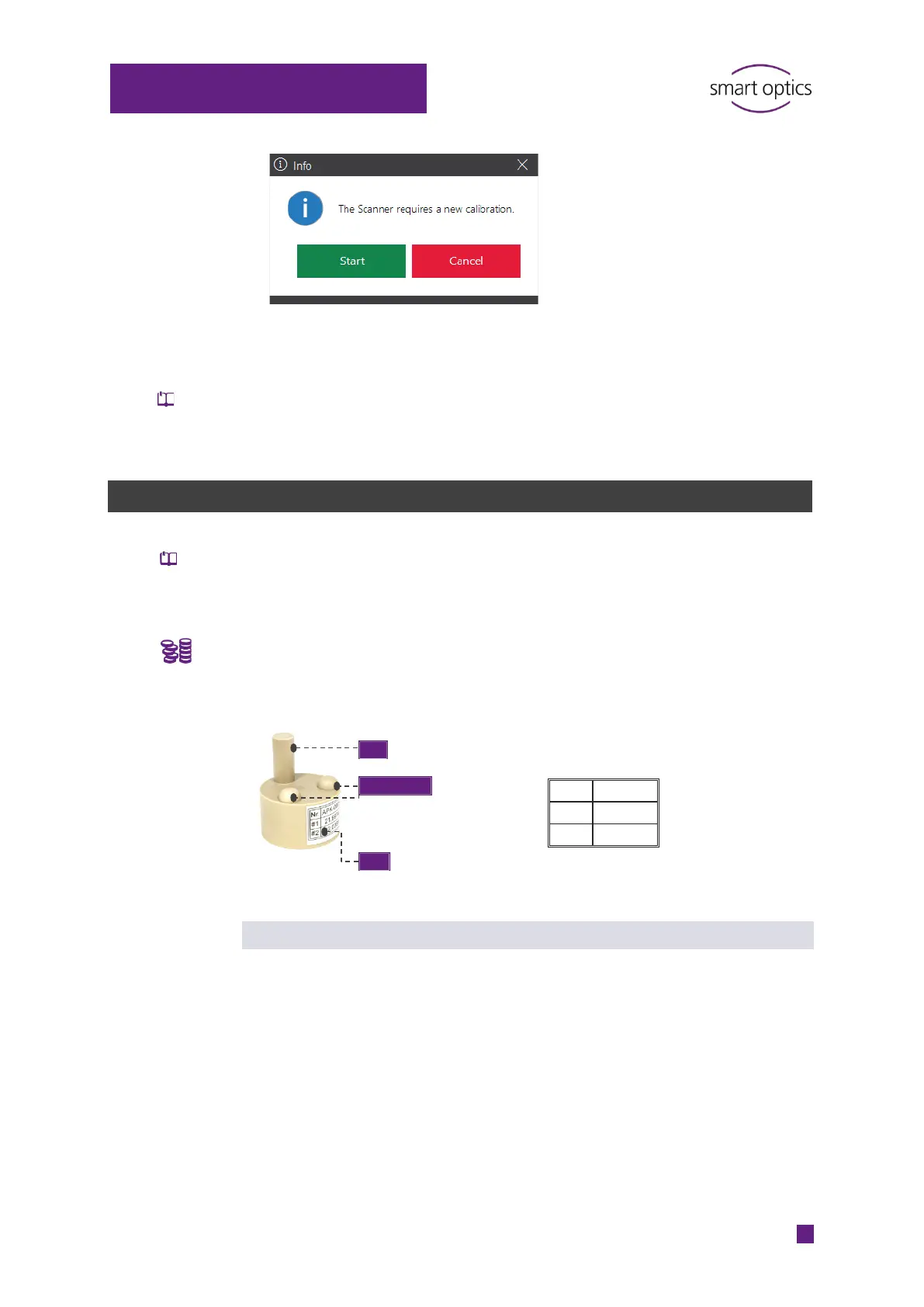
Accessories required:
3D calibration object industrially manufactured (optionally available from
your reseller or smart optics).
Label sample:
-0005
3D calibration process
aural Scan compares the current measured values with the documented
values of the 3D calibration object and calculates correction values to achieve
precise measurement results.
If the 3D calibration is completed with a validation (optional), the correction
values are used for a new measurement. The results log records:
The measured values
The scanner’s sensor number
The creation time.
The log file serves as proof of the accuracy of this individual scanner.
Troubleshooting
Measuring points for height
and distance calculation



 To Next Page