Operating Manual Audiology Scanners
Document version: 3.3 04-2020 33
7 Positioning of ear impressions
Ear impressions are attached to the object holders (careful with the sharp
needles!) and magnetically fixed on the bases inside the scanner.
7.1
Removing and inserting object holders
You can remove the object holders from the scanner to:
Scan only one side
Mount ear impressions (optional)
Clean the object holders/interior of the scanner
Matte ear impressions with 3D scan spray.
Only use the 3D scan spray outside the scanner!
To protect against spray mist: Please close the lid or cover the scanner!
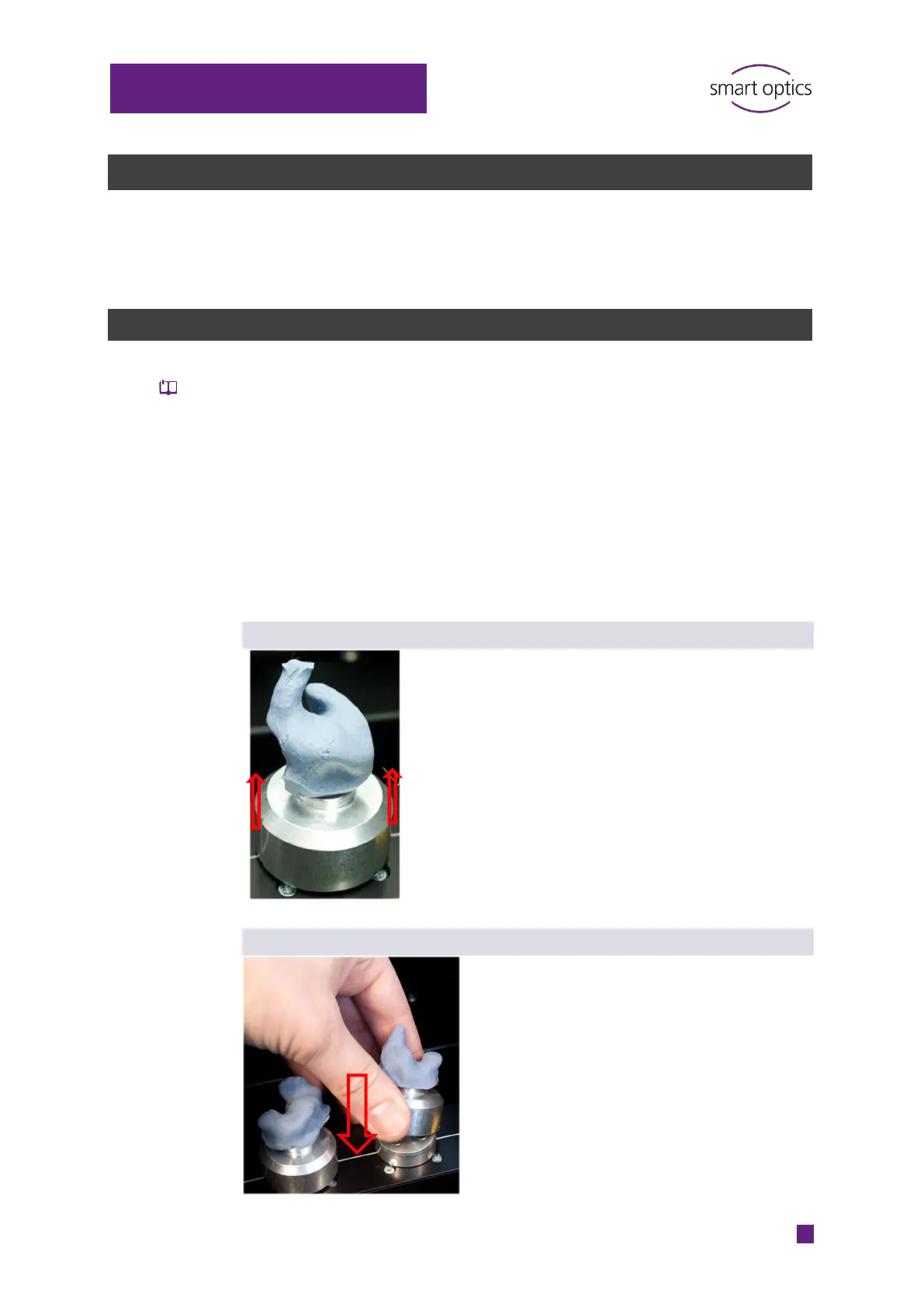
Removal
Open the lid up to the stop.
Hold the object holder from both sides.
Pull the object holder upwards.
The magnetic connection to the base is
released.
Insertion
Aids for a correct alignment:
The horizontal guiding line on which the
bases are placed
The side markings on the object holder.
Place the object holder straight on the base.
Align the markings parallel to the guiding
line.
The magnetic base will keep the object
holder in place.



 To Next Page