Operating Manual Audiology Scanners
Document version: 3.3 04-2020 49
The overall quality of the rescans is bad.
Repeat the scan.
The overall quality of the rescans is good.
Proceed with the matching of the scan project.
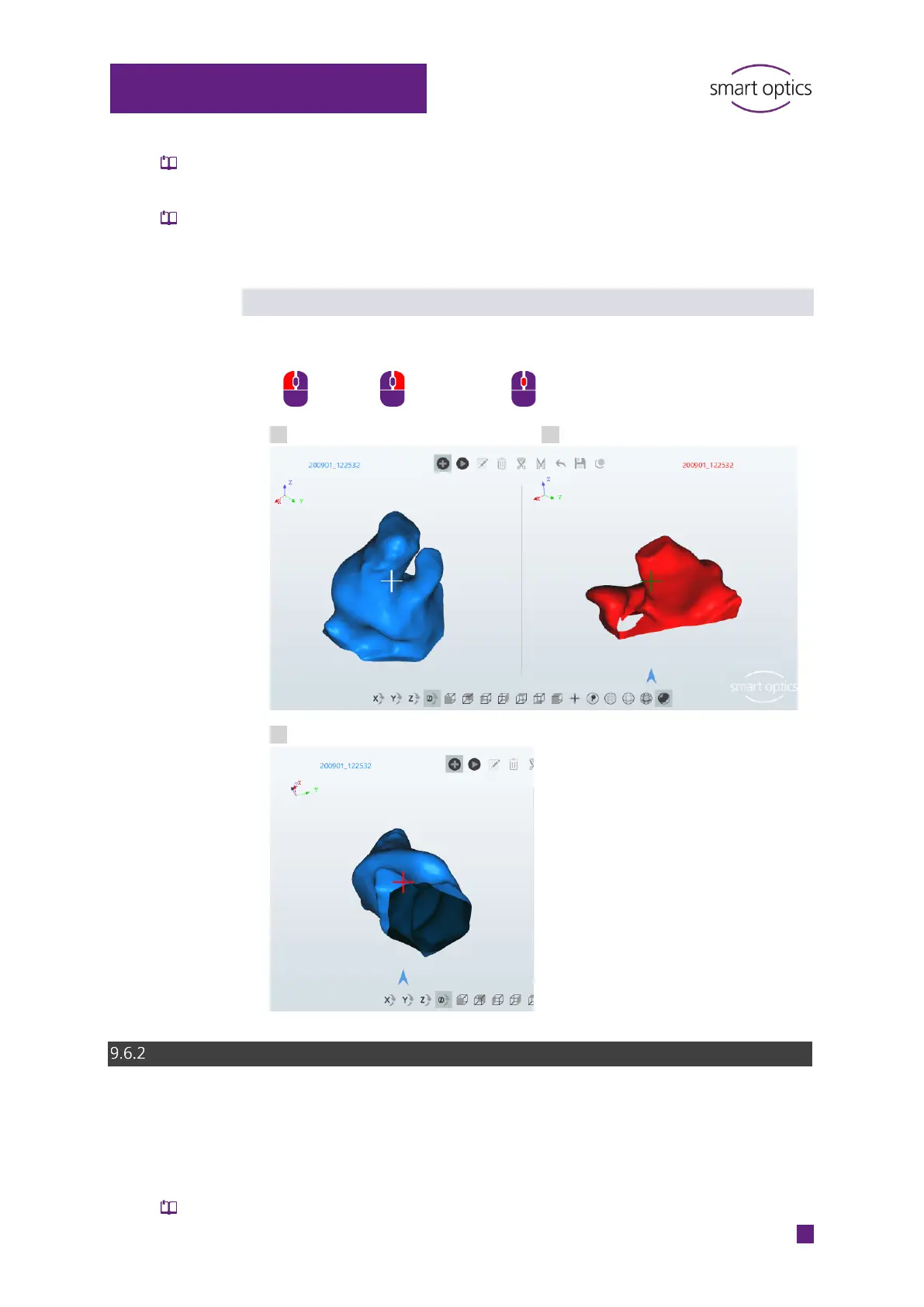
Positioning the crosshair icon
Position the crosshair icon on the scan by:
Side not selected
Side selected
inadmissible position, not measurable, e.g. the underside
Matching
The matching function:
Pieces together the measurements/images
Is a requisite for finishing work
Is executed by default immediately after scanning



 To Next Page