Operating Manual Audiology Scanners
Document version: 3.3 04-2020 40
Zoom in/out of the scan
You can zoom steplessly in and out up to a maximum or minimum size.
Click on the scan.
To enlarge: Turn the scroll wheel towards your hand.
To reduce: Turn the scroll wheel away from your hand.
Release the scroll wheel once the desired size is reached.
Keyboard in the 3D viewer
360° rotation, space bar
Select the side to be rotated.
Select the display to start, e.g. with the cube icons.
Press the space bar.
The scan will be rotated around its Z-axis allowing you to see all sides.
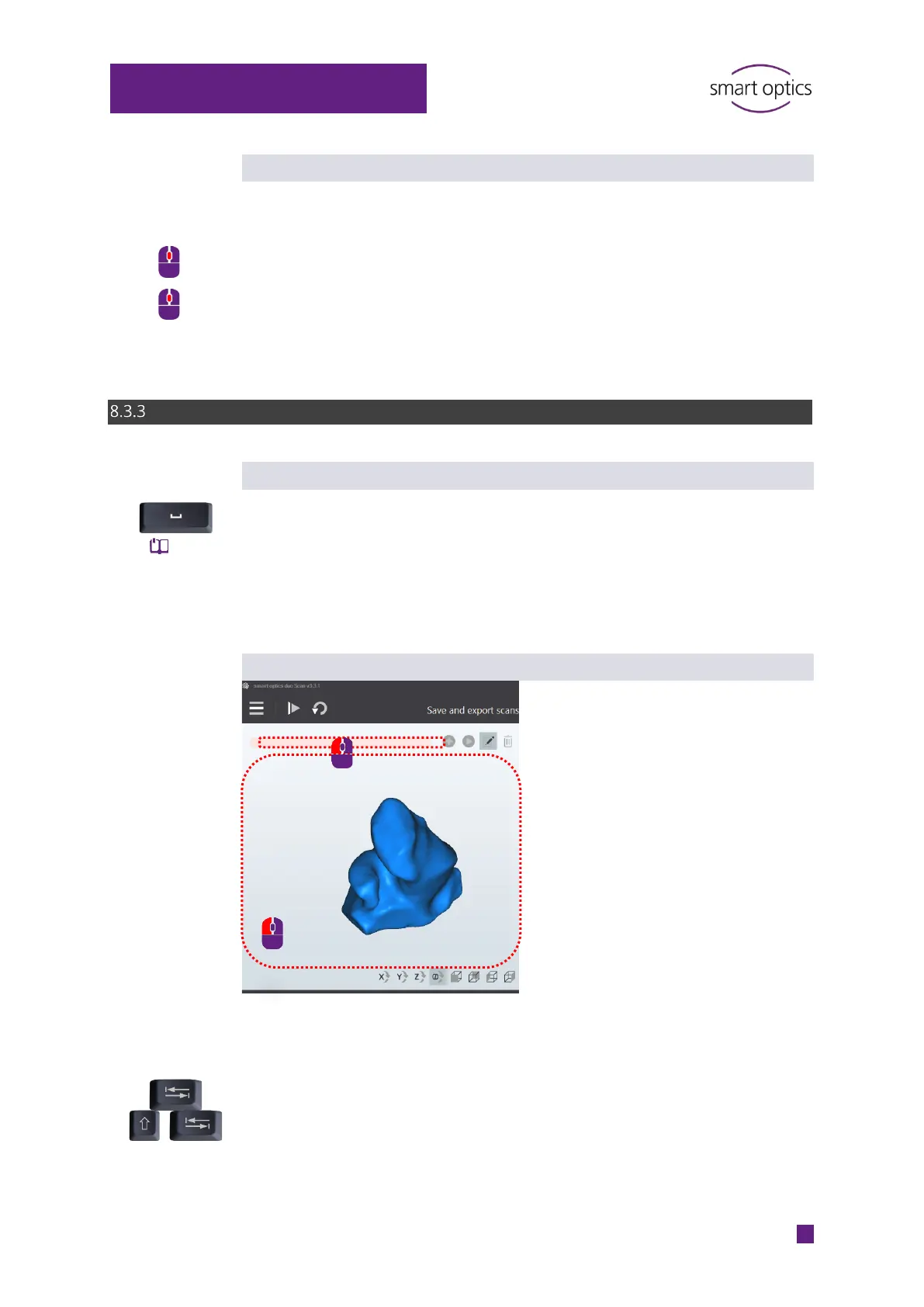
Select side (TAB or SHIFT + TAB)
Requirement:
The cursor is inside the 3D viewer.
Press TAB or SHIFT + TAB.
The cursor jumps to the other side.
38, 74



 To Next Page