Operating Manual Audiology Scanners
Document version: 3.3 04-2020 103
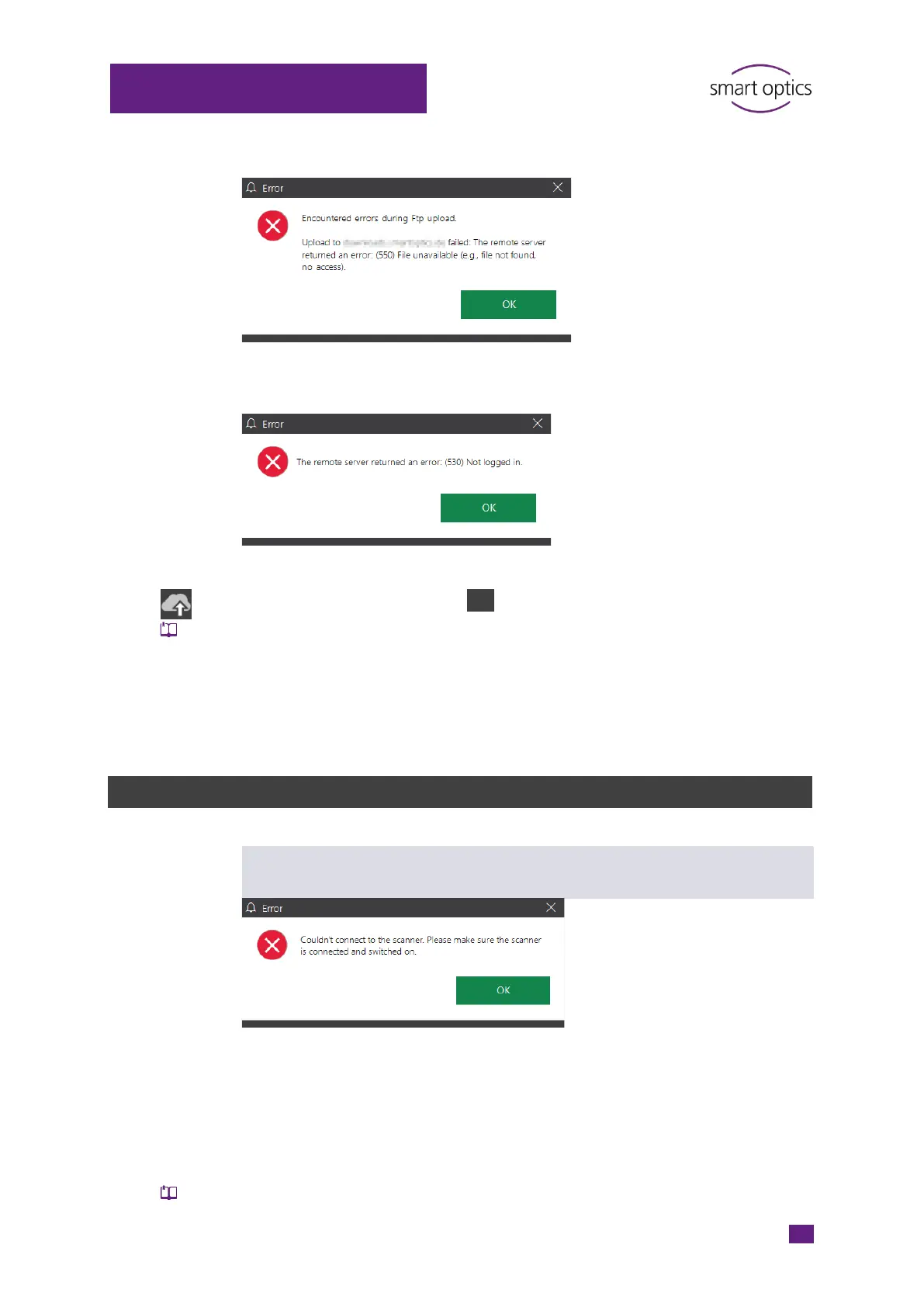
Error: Encountered errors during FTP upload
Error: The remote server returned an error. (530) Not logged in.
Restart aural Scan, open the scan files or scan again.
Click on “Upload”, then on FTP.
Edit the saved FTP connection (server, login).
Confirm the “Replace existing connection?” warning.
aural Scan tests the connection. After a successful test, you can carry out
the upload.
15.7
Error messages
Couldn’t connect to the scanner. Please make sure that the scanner is
connected and switched on.
Possible sources of error
Scanner
Camera
Possible solution
Switch on the scanner, then start aural Scan.
Solve connection problems.



 To Next Page