Operating Manual Audiology Scanners
Document version: 3.3 04-2020 104
If the problem persists, please contact your Support to request a technical
examination.
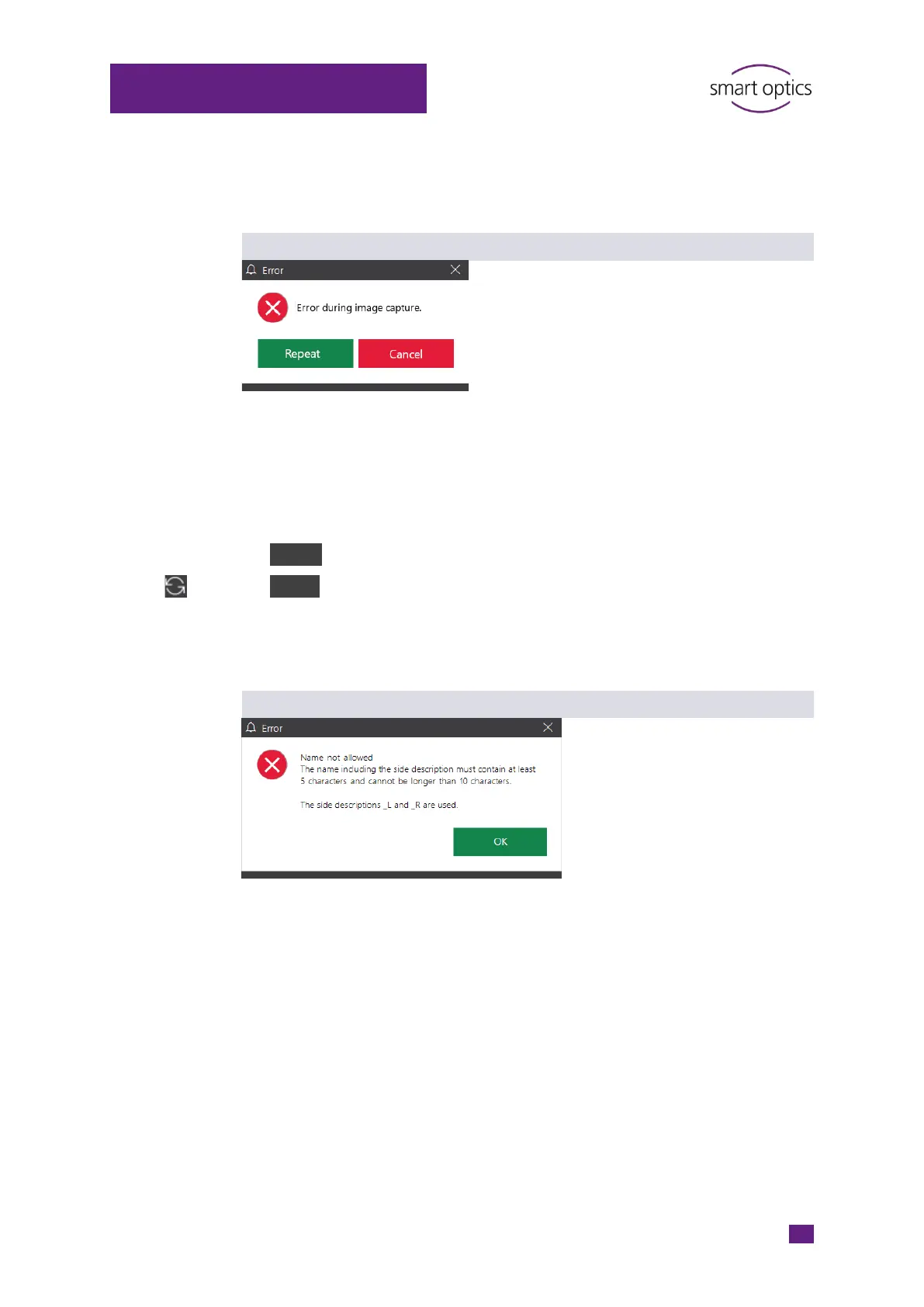
Error during image capture
Possible sources of error
Camera
Position of the axes
Prolonged inactivity
Possible solution
Repeat the scan.
Cancel, then move to service and restart the scan.
Exit aural Scan, switch off the scanner.
Restart the scanner and aural Scan and then restart the scan.
Name not allowed
Possible sources of error
Selected scan name
Possible solution
aural Scan is configured for a minimum and maximum length of the scan
names (Settings.xml).
The scan must be named according to the message.
To change the configuration, please contact your Support.



 To Next Page