Operating Manual Audiology Scanners
Document version: 3.3 04-2020 88
13.2
Menu
aural Scan functions. The menu can be opened if no scan is running and no
dialog/message is open.
New scan
An active scan is discarded (after confirmation).
A new scan can be started.
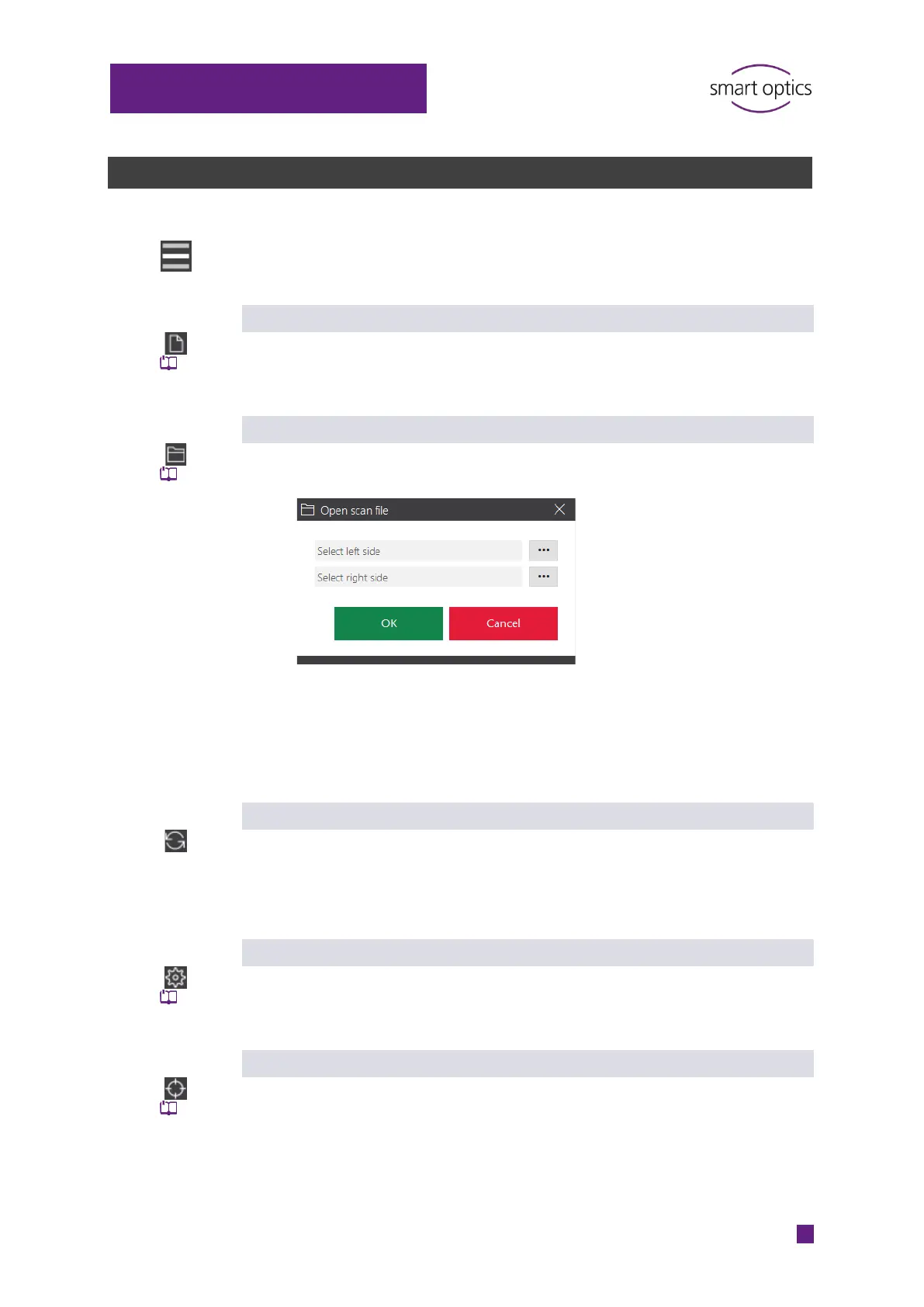
Open scan file
Opens the dialog for selecting the left and right scan file from the
current work folder.
Files in the formats STL (standard) and MSH can be opened, however
not ASC files due to their data structure.
By opening a file, an active, incomplete scan will be discarded (after
confirmation).
Move to service
Moves the axes to the service position (starting position).
This is necessary if the axes are moved when removing or inserting
the object.
Axis calibration
Starts the calibration the axes.
Automatic monthly reminder.
3D calibration
Starts the 3D calibration of the scanner.
3D calibration object must be purchased.



 To Next Page