Operating Manual Audiology Scanners
Document version: 3.3 04-2020 59
ZIP export method
The ZIP method is used to save the project/export files as a zip archive.
Starting the ZIP export
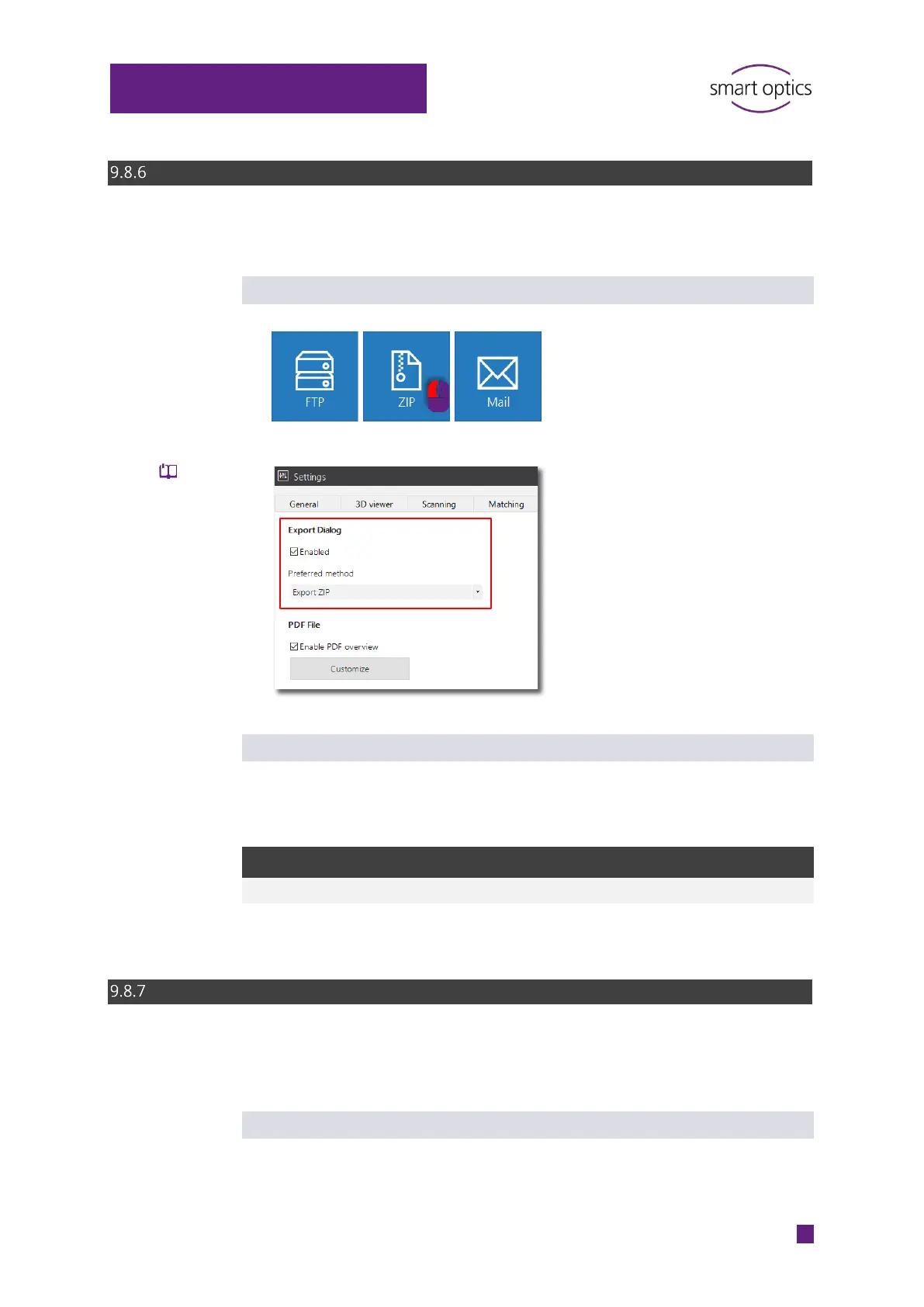
Button in the Export dialog (default)
Direct start (without file selection) by configuring the Export ZIP method:
Exporting files as a ZIP archive
When the work is finished, aural Scan asks you to select a folder to save the
ZIP archive.
The suggested saving location depends on how the export method is started:
Start from Folder
Work finishing (directly) C:\Scans\YYMMDD_hhmmss (project
folder)
Email export method
The email method is used to send the project/export files as a zip archive via
email.
Requirement
Standard Windows emailing software:
Microsoft Outlook
Mozilla Thunderbird



 To Next Page