Operating Manual Audiology Scanners
Document version: 3.3 04-2020 54
Flaws in the impression
Wrong settings (3D viewer, scanning, matching).
If you have changed any of the settings, repeat the scan. If not, annotate
the scan.
Finishing and exporting
Click on “Finish work”
The scan project will be:
exported according to the settings
Saved in the work folder (by default C:\Scans)
Saved in a separate folder if Save the scan data additionally in a
separate directory is enabled.
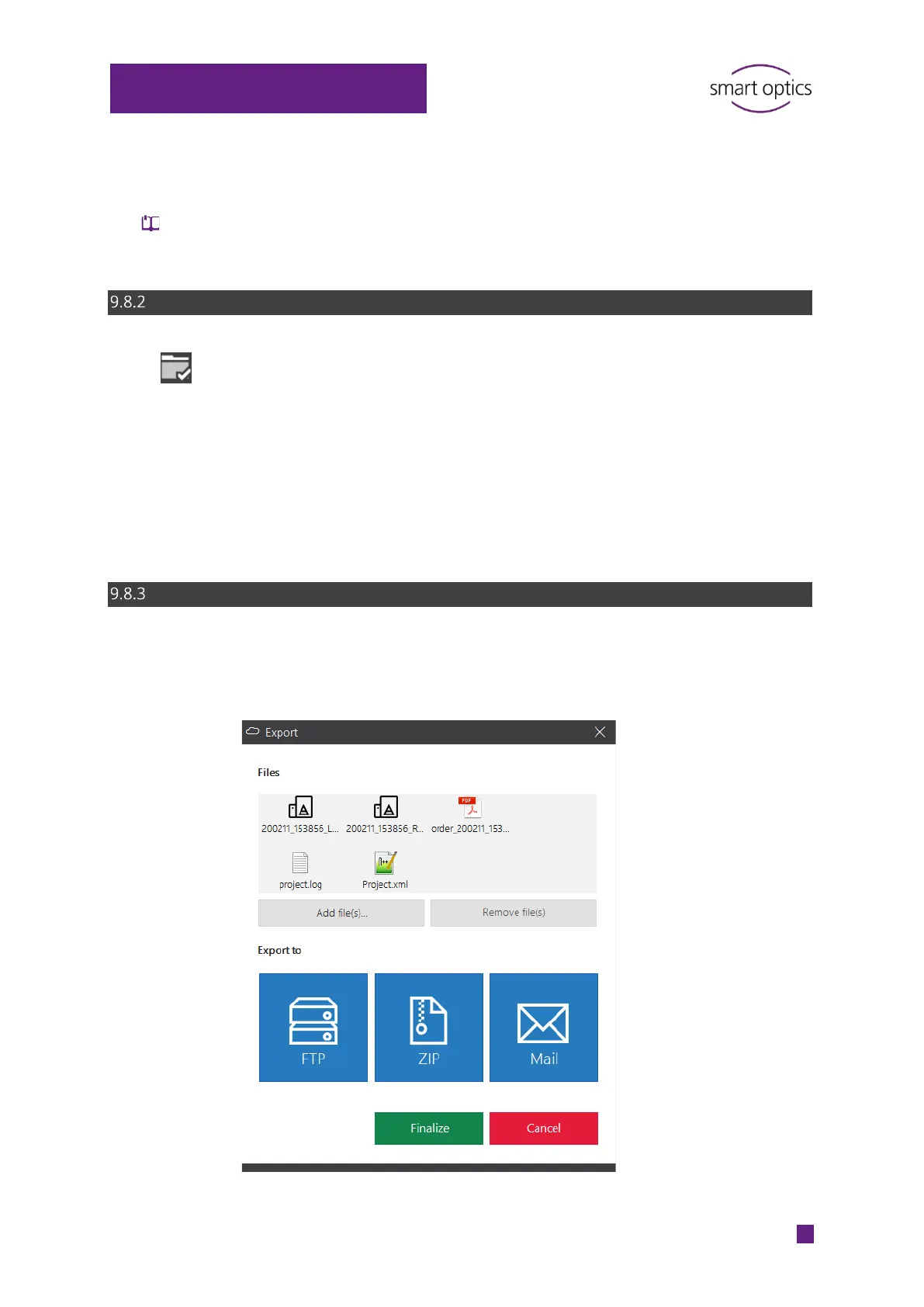
Finishing and exporting with confirmation (default)
Files can be added or removed when finishing work with confirmation.
You can choose an export method or finalize the scan project without
exporting it.



 To Next Page