Operating Manual Audiology Scanners
Document version: 3.3 04-2020 25
5.3
Connect the scanner
Audiology scanners require connections for:
Power supply
Data transfer (USB).
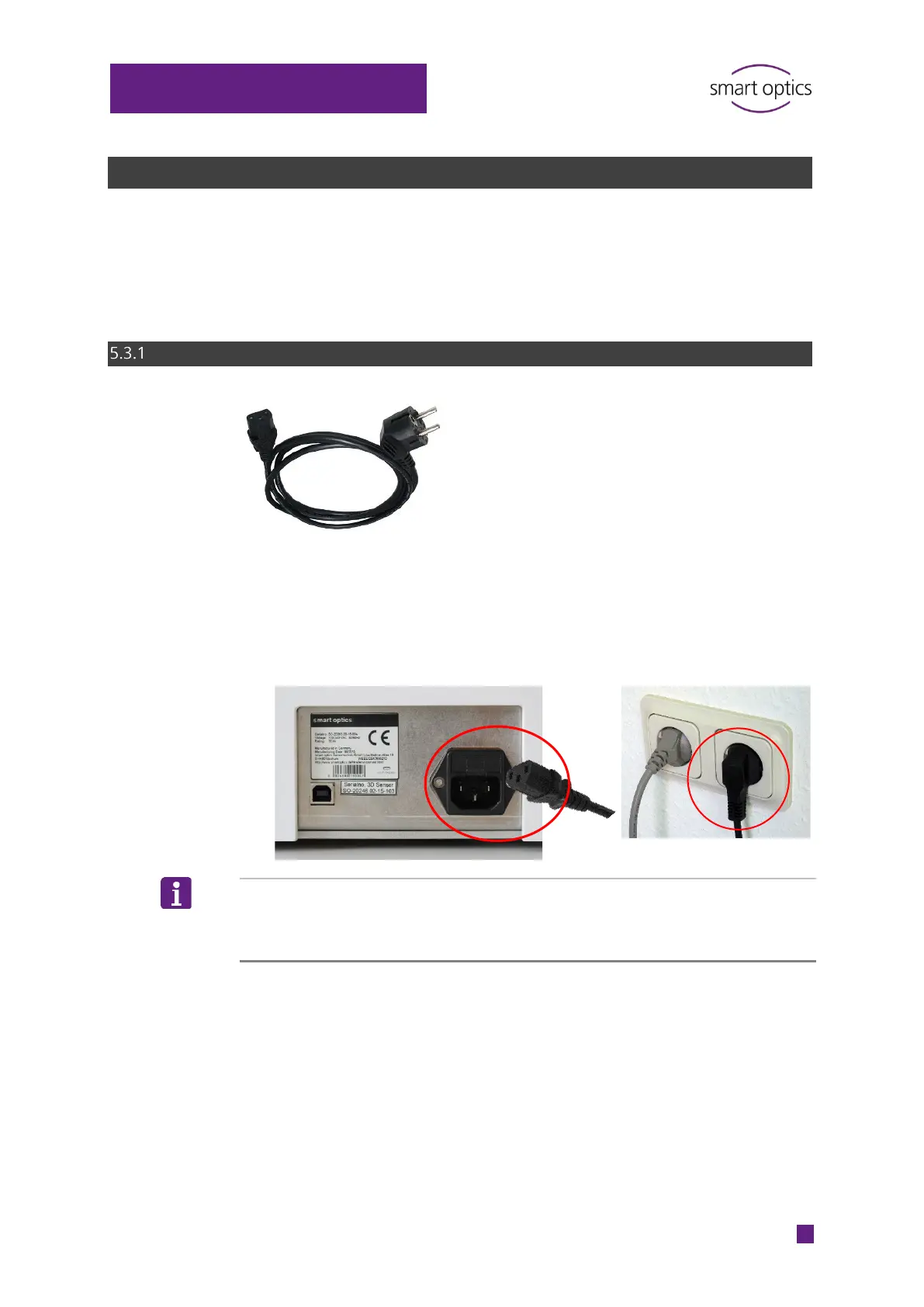
Power connection
Connect:
The device plug mains connection socket (at the back)
The E+F type mains plug with a socket (optionally with a socket
adapter).
TIP
Voltage differences are automatically regulated by a built-in switched-mode
power supply.



 To Next Page