Operating Manual Audiology Scanners
Document version: 3.3 04-2020 26
USB connection
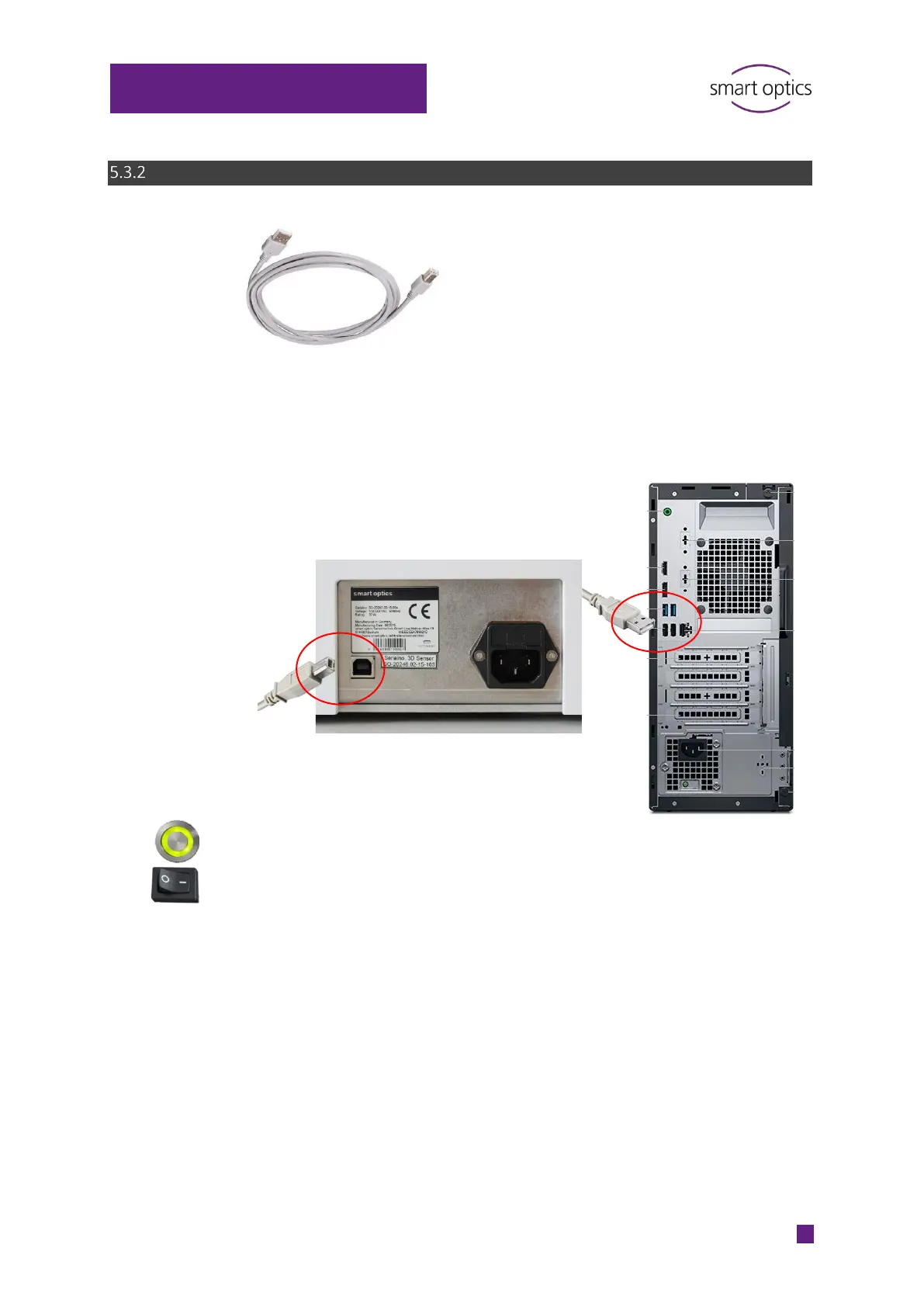
Connect:
The type B plug to the USB port of the scanner
The type A plug with a USB-port at the back of the PC
(do not use a USB hub).
Switch on the PC and the scanner (Press the power switch, toggle switch in
position
ǀ).
The scanner is ready for operation.



 To Next Page